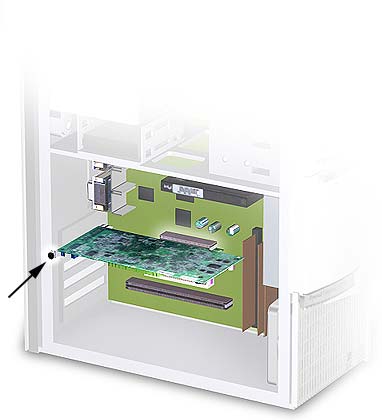
STEP FOUR: Insert new card
When handling the card, carefully hold it by its edges and avoid touching the circuitry and gold contacts
Align the card with the expansion slot and press it in firmly until the card is fully seated. Make sure that the metal contacts of the card are completely pushed into the expansion slot. A common problem with new installations is a card that is not fully seated. Make sure the metal bracket fits snugly into the external slot and that the hookups are visible from outside the PCReplace the retaining screw to secure the bracket of the card to the computer frameReplace the computer cover