
How to Play
Ready to jump in? Follow the steps below to get started.


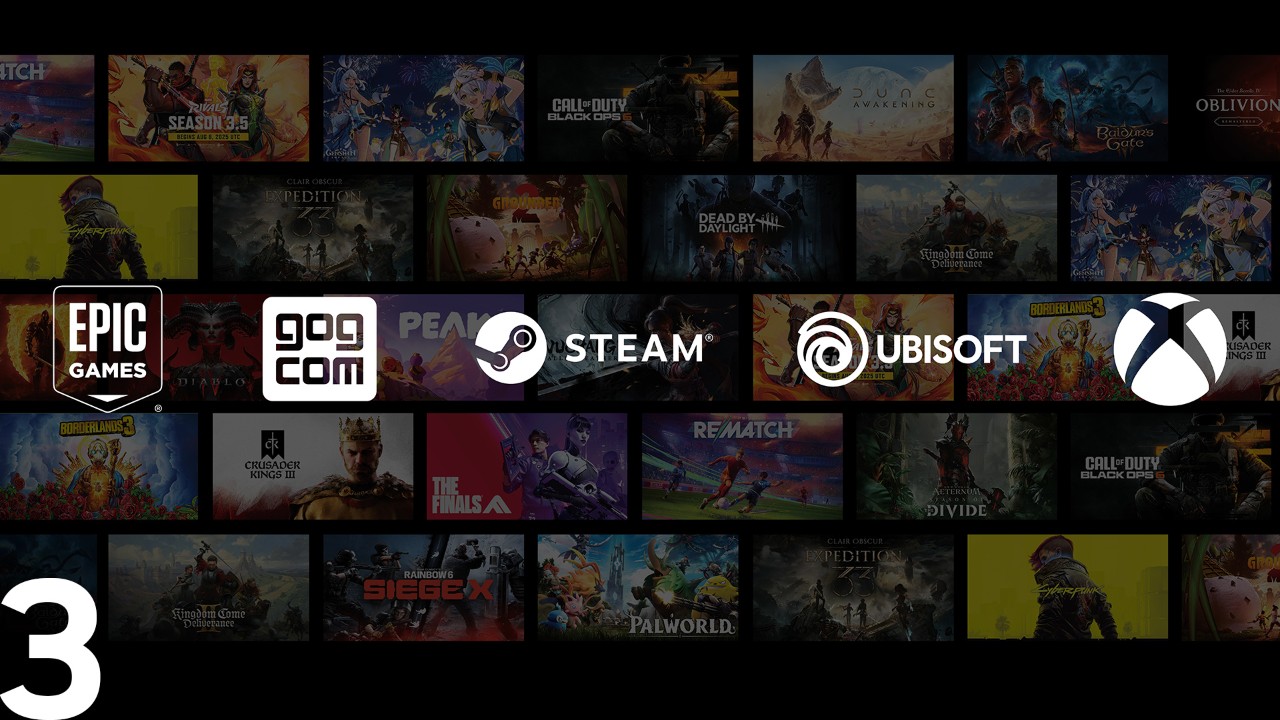
Pick, Play, Repeat
GeForce NOW supports two types of games to give you the widest choice of titles possible. Whether you're looking for instant action or want to dive into your entire game library, GeForce NOW has you covered.


How Install-to-Play Works

Find Your Game
Search for a game you own and look for the Install-to-Play tag.


Check Storage Requirements
Single-Session Cloud Storage
100GB of single-session storage is included with Performance and Ultimate memberships. Single-session cloud storage requires the game to be downloaded at the start of each playing session. Some games may require more storage to start the install, or you might want persistent storage to save your game installation and progress for future gaming. You can do this by adding persistent storage.NOTE: Games that support Steam Cloud saves will keep your game save progress for future sessions.
Persistent Cloud Storage
Persistent cloud storage is available as an add-on. This option lets you save your downloaded games after the first install and your saved game data—if the game does not support Steam Cloud saves— - for future sessions. 200GB, 500GB, and 1TB options are available for purchase. Visit our FAQs to learn more.

Make Your Storage Selection
Once you’ve confirmed your storage needs, choose your preferred option to continue. Selecting Persistent cloud storage will take you to a purchase page to pick your plan and finish checkout.

Install and Play
Click "Install" to begin the download. Your session will begin when the game installation is complete.