Crimson Desert & DEATH STRANDING 2: ON THE BEACH GeForce Game Ready Driver Available Now
Our new GeForce Game Ready Driver optimizes your system for Crimson Desert, featuring DLSS 4 With Multi Frame Generation and DLSS Ray Reconstruction.
Additionally, there’s support for DEATH STRANDING 2: ON THE BEACH, which also includes support for DLSS 4 With Multi Frame Generation. And support for more than 35 new G-SYNC Compatible gaming displays.
Download and install from the Drivers tab of NVIDIA app or GeForce.com, and read on to learn more.
Game Ready For Crimson Desert Launching March 19th, Featuring DLSS 4 With Multi Frame Generation & DLSS Ray Reconstruction
Pearly Abyss’ Crimson Desert is a highly anticipated open-world action-adventure game. Through a world of exploration and intense action, Crimson Desert depicts the journey of the Greymanes in the beautiful yet brutal continent of Pywel. You will play as Kliff, a Greymane who is determined to reunite with his surviving comrades and rebuild what was lost after a devastating ambush leaves them dead or scattered across the lands. On a journey where alliances are forged, dangers abound, and mysterious factions are uncovered, Kliff comes to realize that an unprecedented threat and a destiny greater than he imagined await him.
Visit bustling towns and quiet hamlets, venture across vast plains, deserts, and mountains, and explore forgotten ruins, shrines, and other unique landmarks of the continent’s distinct regions. Gather resources, craft, hunt, and partake in the various activities of Pywel to also aid in your journey. The world is yours to explore as you will and there are many paths for you to uncover; ride mounts from horses to even a dragon and mechs, scale cliffsides and walls which you can leap from to glide, and go through mystical gates to find yourself in the mysterious realm known as the Abyss.
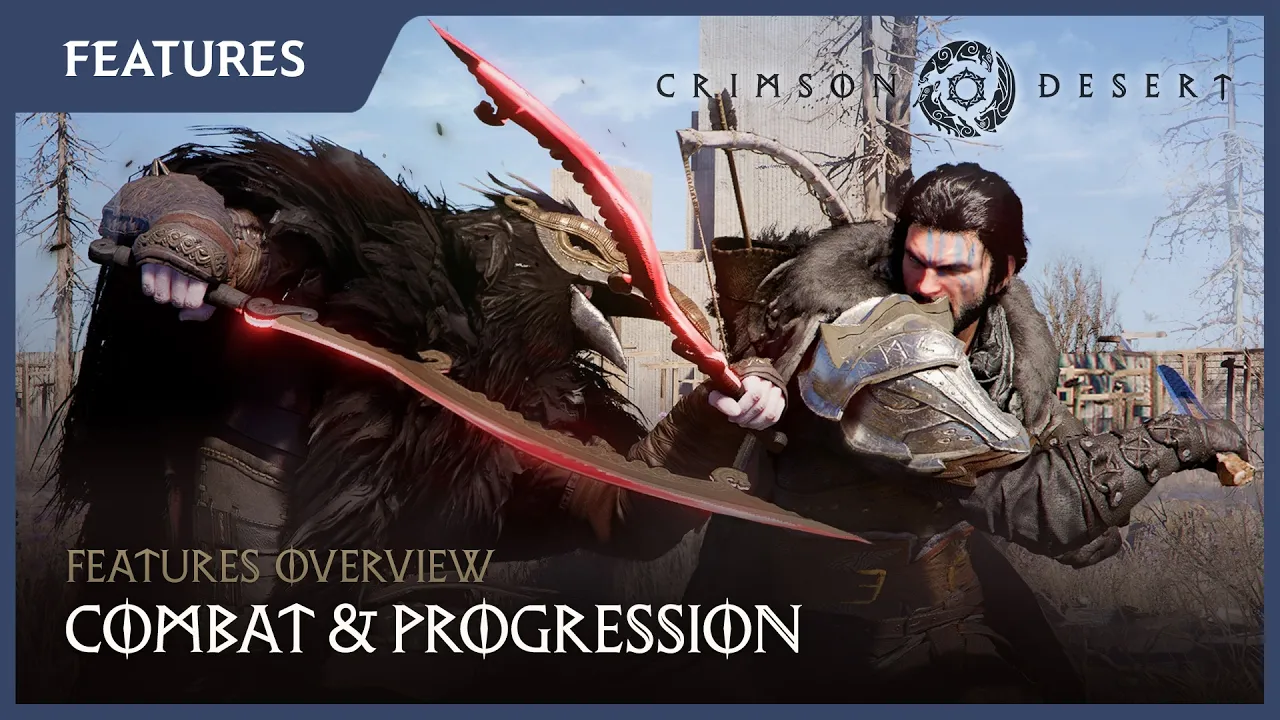
When Crimson Desert launches on March 19th, it will include support for DLSS 4 with Multi Frame Generation, and its visuals will be further improved by ray-traced effects, which can be enhanced by DLSS Ray Reconstruction.
Game Ready For DEATH STRANDING 2: ON THE BEACH, Featuring DLSS 4 With Multi Frame Generation
KOJIMA PRODUCTIONS, in collaboration with Nixxes Software, is bringing DEATH STRANDING 2: ON THE BEACH to PC on March 19th.
With his companions from DRAWBRIDGE by his side, Sam takes on a new adventure to connect Australia to the Chiral network. Beset on all sides by enemies, Sam will have to shoot, sneak, and sprint his way out of trouble, as well as survive natural disasters such as earthquakes, sandstorms and forest fires, and brave the ruinous Timefall as he strives to save humanity from extinction once again. And the Social Strand System returns, connecting players from around the globe allowing you to shape someone else’s world, and have their actions shape yours.
On PC, immerse yourself in the world of DEATH STRANDING 2: ON THE BEACH with added Ultrawide support, including 21:9 UltraWidescreen and 32:9 Super UltraWidescreen. Experience enhanced visuals running at 4K. Play with keyboard and mouse or a full DualSense controller integration, with haptic feedback and adaptive trigger functionality. And amp up your aural experience with 3D Audio via Dolby Access, DTS Sound Unbound support, or Windows Sonic for Headphones.
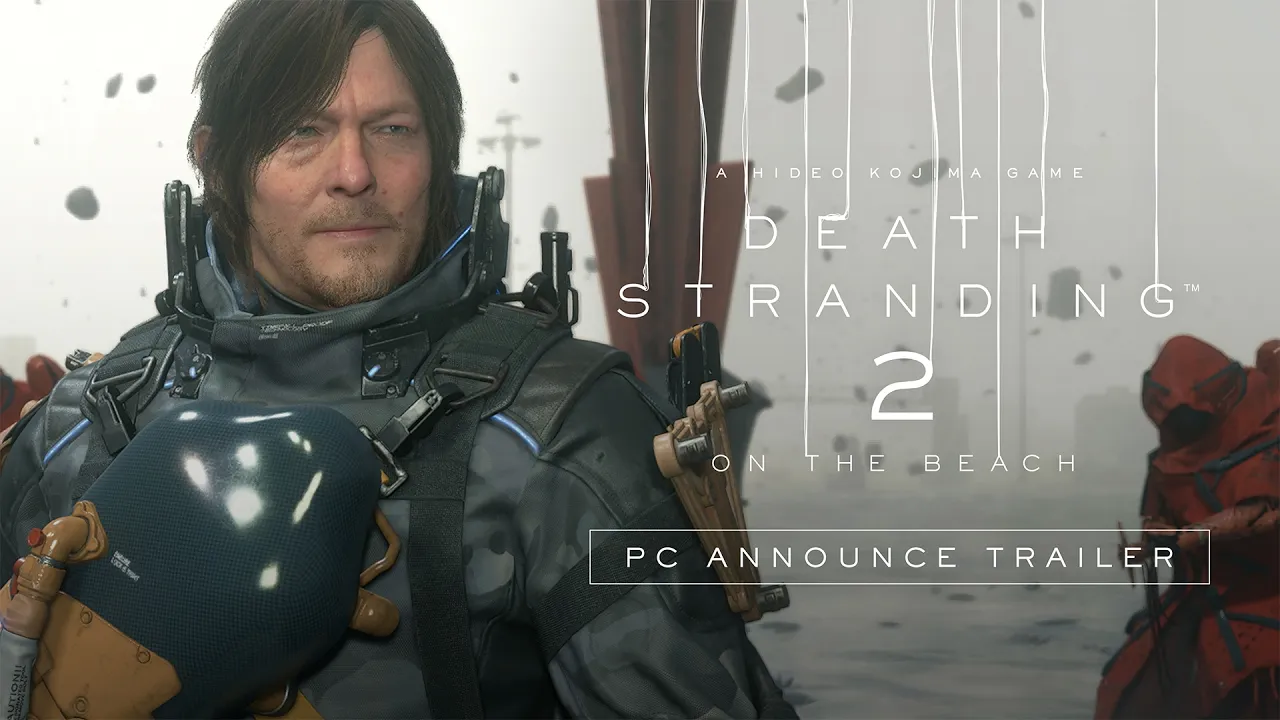
On GeForce RTX systems, a suite of NVIDIA technologies are available to accelerate and enhance your time in DEATH STRANDING 2: ON THE BEACH.
On GeForce RTX 50 Series GPUs, multiply frame rates using DLSS 4 with Multi Frame Generation.
And on all GeForce RTX GPUs, accelerate frame rates and enhance image quality with DLSS Super Resolution, or alternatively activate DLAA for the highest levels of detail possible.
Additionally, all GeForce RTX players can activate NVIDIA Reflex to reduce PC latency, making DEATH STRANDING 2: ON THE BEACH gameplay even more responsive.
And of course, DLSS Super Resolution can be upgraded to DLSS 4.5 Super Resolution by activating DLSS overrides in the NVIDIA app, making image quality even better.
Game Ready For Our Next NVIDIA App Beta, Which Introduces New Features
On March 31st, we’re launching a new NVIDIA app beta. To opt-in, go to Settings > About in the app.
The beta introduces new features that further enhance your experiences in hundreds of games and apps:
- A DLSS 4.5 Dynamic Multi Frame Generation DLSS override on GeForce RTX 50 Series GPUs intelligently adjusts the number of generated frames during gameplay to target a user’s desired frame rate, striking the perfect balance between frame rate, image quality and responsiveness
- The new DLSS 4.5 Multi Frame Generation 6X Mode DLSS override on GeForce RTX 50 Series GPUs increases 4K frame rates in path-traced titles. Paired with NVIDIA Reflex, it generates these additional frames with minimal impact to responsiveness
- A DLSS 4.5 Frame Generation model update on GeForce RTX 50 Series and GeForce RTX 40 Series GPUs enhances in-game user interfaces by incorporating additional engine data available for some games, improving visual quality and clarity of static user interface elements
Today’s driver, or a newer version, is required to use these features; head to the linked articles to learn more about each.
Support For Newly Validated G-SYNC Compatible Displays
Our new Game Ready Driver also adds support for more than 35 G-SYNC Compatible displays that deliver a baseline Variable Refresh Rate (VRR) experience that’s been validated by our G-SYNC team, making gaming smoother and more enjoyable. G-SYNC Compatible VRR is available on hundreds of monitors and TVs from leading manufacturers, in all sizes and at all price points, giving GeForce users a ton of choice when searching for a display.
For the complete list of new monitors, displays and TVs check out the list below, and to see a rundown of all G-SYNC displays, head to the G-SYNC homepage.
| Brand | Model | HDR | Size | Type | Resolution | VRR |
| Acer | X27U W5 | Yes | 26.5 | OLED | 2560x1440 (QHD) | 48-240Hz |
| Acer | X27U Z5 | Yes | 26.5 | OLED | 2560x1440 (QHD) | 48-280Hz |
| AOC | 25G40SE | Yes | 24.5 | IPS | 1920x1080 (FHD) | 48-310Hz |
| AOC | 27G4ZRE | Yes | 27 | IPS | 1920x1080 (FHD) | 48-260Hz |
| AOC | AG276QZD2AM | Yes | 26.5 | OLED | 2560x1440 (QHD) | 48-280Hz |
| AOC | AG326UZD2 | Yes | 31.5 | OLED | 3840x2160 (4K) | 48-240Hz |
| AOC | AGP247FK | Yes | 23.8 | TN | 1920x1080 (FHD) | 48-420Hz |
| AOC | AGP277KX | Yes | 27 | IPS | 5120x2880 (5K) | 48-165Hz |
| AOC | AGP277QK | Yes | 27 | IPS | 2560x1440 (QHD) | 48-540Hz |
| AOC | AGP346UCSD | Yes | 34 | OLED | 3440x1440 (WQHD) | 48-360Hz |
| ASUS | XG27UCGR | Yes | 27 | IPS | 1920x1080 (FHD) | 48-485Hz |
| ASUS | XG27UCGR | Yes | 27 | IPS | 3840x2160 (4K) | 48-162Hz |
| ASUS | XG27UQDMS | Yes | 26.5 | OLED | 3840x2160 (4K) | 48-240Hz |
| ASUS | XG32UQDMS | Yes | 31.5 | OLED | 3840x2160 (4K) | 48-240Hz |
| GIGABYTE | GO27Q24A | Yes | 27 | OLED | 2560x1440 (QHD) | 48-240Hz |
| GIGABYTE | GO27Q24G | Yes | 27 | OLED | 2560x1440 (QHD) | 48-240Hz |
| LG | 24G411B | Yes | 24 | IPS | 1920x1080 (FHD) | 48-144Hz |
| LG | 24G414B | Yes | 24 | IPS | 1920x1080 (FHD) | 48-144Hz |
| LG | 27G411B | Yes | 27 | IPS | 1920x1080 (FHD) | 48-144Hz |
| LG | 27G414B | Yes | 27 | IPS | 1920x1080 (FHD) | 48-144Hz |
| LG | 27G521B | Yes | 27 | IPS | 1920x1080 (FHD) | 48-200Hz |
| LG | 27G81ZA | Yes | 27 | IPS | 3840x2160 (4K) | 48-180Hz |
| LG | 32G621B | Yes | 31.5 | IPS | 2560x1440 (QHD) | 48-200Hz |
| MSI | MAG 272UP QD-OLED E16 | Yes | 27 | OLED | 3840x2160 (4K) | 48-165Hz |
| MSI | MAG 321UP QD-OLED X24 | Yes | 31.5 | OLED | 3840x2160 (4K) | 48-240Hz |
| MSI | MPG 341CQR QD-OLED X36 | Yes | 34 | OLED | 3440x1440 (WQHD) | 48-360Hz |
| Philips | 25M2N3200XI | Yes | 24.5 | IPS | 1920x1080 (FHD) | 48-420Hz |
| Philips | 27M2N3500PA | Yes | 27 | IPS | 2560x1440 (QHD) | 48-260Hz |
| Philips | 32M2N8900P | Yes | 31.5 | OLED | 3840x2160 (4K) | 48-240Hz |
| ViewSonic | VX2479 | Yes | 24 | IPS | 1920x1080 (FHD) | 48-240Hz |
| ViewSonic | VX2532 | Yes | 25 | IPS | 1920x1080 (FHD) | 48-320Hz |
| ViewSonic | VX2728J | Yes | 27 | IPS | 1920x1080 (FHD) | 48-165Hz |
| ViewSonic | VX2728J-7 | Yes | 27 | IPS | 1920x1080 (FHD) | 48-165Hz |
| ViewSonic | VX2738-2K-OLED | Yes | 27 | OLED | 2560x1440 (QHD) | 48-240Hz |
| ViewSonic | VX2740D-4K | Yes | 27 | IPS | 3840x2160 (4K) | 48-160Hz |
| ViewSonic | VX2779 | Yes | 27 | IPS | 1920x1080 (FHD) | 48-240Hz |
| ViewSonic | XG2738-2K-OLED | Yes | 27 | OLED | 2560x1440 (QHD) | 48-240Hz |
These newly-validated monitors give gamers even more choice when searching for a great gaming display. For a complete list of all G-SYNC, G-SYNC ULTIMATE, and G-SYNC Compatible gaming monitors, check out our handy and frequently updated G-SYNC page, which can be sorted and filtered, helping you quickly find the ideal display.
GeForce Game Ready Driver - Download Now
Learn more about GeForce Game Ready Drivers here, and download the new GeForce Game Ready 595.79 WHQL driver through the NVIDIA app, or from GeForce.com.
If you experience any technical issues with the new Game Ready drivers please post a detailed report on the GeForce.com Driver Feedback Forum, where our Customer Care team can best assist you. And if you’re looking for a full list of fixes in this driver, for previously-reported issues, head here.