DLSS 5 Now Available In War Thunder
DLSS 5 with 3D-Guided Neural Rendering uses AI to infuse game scenes with lifelike lighting and materials, tuned by developers.
Following the addition of DLSS 5 to NBA 2K27 in September and Hogwarts Legacy last week, it's now available in War Thunder, and starting on November 23rd will be added to Where Winds Meet, all powered by a 2X faster AI model released last month for GeForce RTX 50 Series and RTX Spark systems.
DLSS 5 Available Now In War Thunder
Gaijin Entertainment’s War Thunder features thousands of high-fidelity, accurately rendered tanks and other ground military vehicles, planes, warships, and more, which players take command of in a variety of PvP and PvE arcade and realistic game modes. First released in 2013, War Thunder has been constantly updated, adding new technologies, effects, and enhancements, including DLSS 4.5 Multi Frame Generation, Super Resolution, Ray Reconstruction, DLAA, Reflex, ray tracing, and path-traced global illumination.
Now, War Thunder’s Eagle's Shadow major update has gone live, adding DLSS 5 with 3D-Guided Neural Rendering, dozens of new planes, ships, and tanks, along with cluster bombs for planes, and visual effect enhancements, increasing the realism and dynamism of battle. DLSS 5 in War Thunder is powered by our October 2026 Neural Rendering model, which is 2X faster than the previous version and available for GeForce RTX 50 Series and RTX Spark systems.


- War Thunder DLSS 5 video 1
- War Thunder DLSS 5 video 2
With DLSS 5, Gaijin Entertainment was able to achieve even higher visual realism with improved highlights, refined shadows, and a new level of microcontrast that hadn’t been possible previously. The result is a more natural, lifelike image, with finer detail and a stronger sense of realism. Learn more in our interview with Gaijin.
“DLSS 5 does not completely change how War Thunder looks at first glance, and that’s good, as players would like us to stick to our original visual style. On the other hand, the sheer number of subtle improvements is so significant that some members of the team initially thought we had changed the rendering engine itself. “ - Kirill Stupin, Art Director - Gaijin Entertainment
Below, DLSS 5 significantly enhances ambient occlusion in this tank scene, casting deeper, more realistic shadows beneath the tank's tracks and draped camouflage netting. Lighting and material details are elevated throughout the image, from the heavy tank armor to the reflective, rain-soaked mud. Ultimately, these refinements grant the vehicle greater visual weight and depth under natural lighting, firmly grounding it within the atmospheric environment.
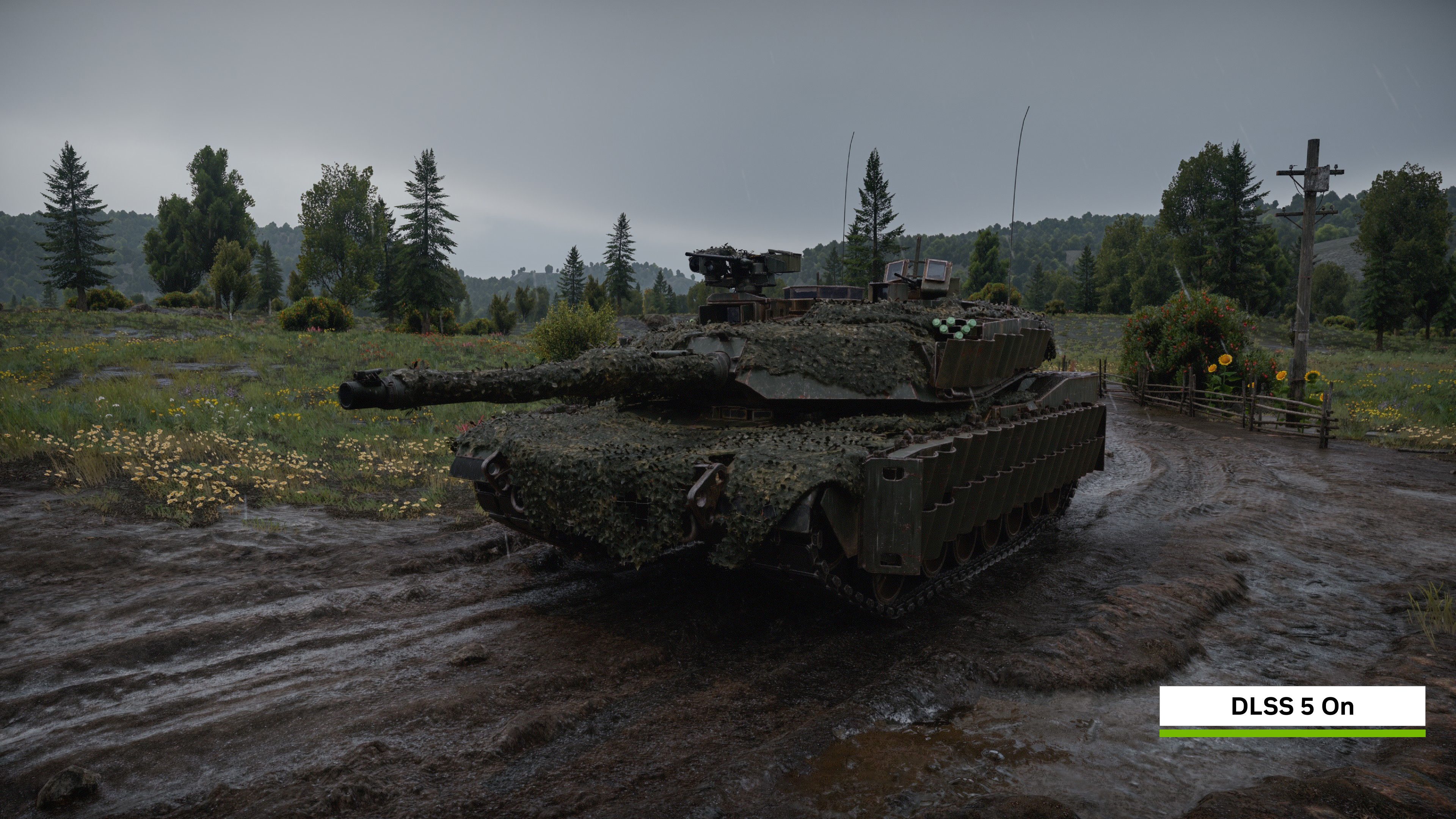
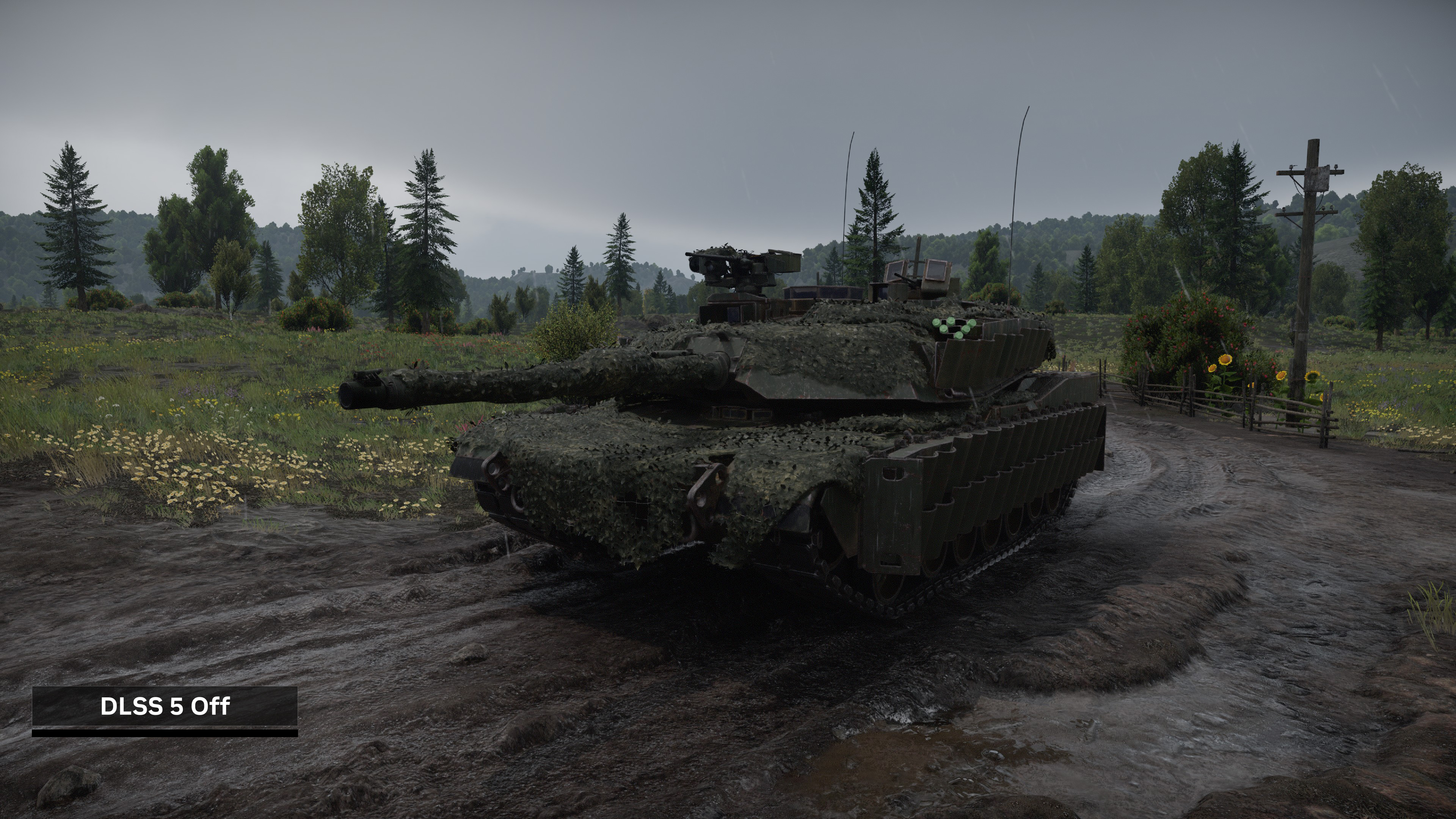
Click here to load a fullscreen 4K comparison
DLSS 5 elevates the visual fidelity of this naval scene, casting deeper, more accurate shadows across the destroyer's complex superstructure, deck fittings, and gun turrets. The lighting is especially striking during combat, as the intense anti-aircraft muzzle flash casts highly realistic reflections that catch the crests of the choppy ocean water. Altogether, these advanced lighting and shadow upgrades give the warship a heavier, more tangible presence, dramatically enhancing the overall realism of the game.
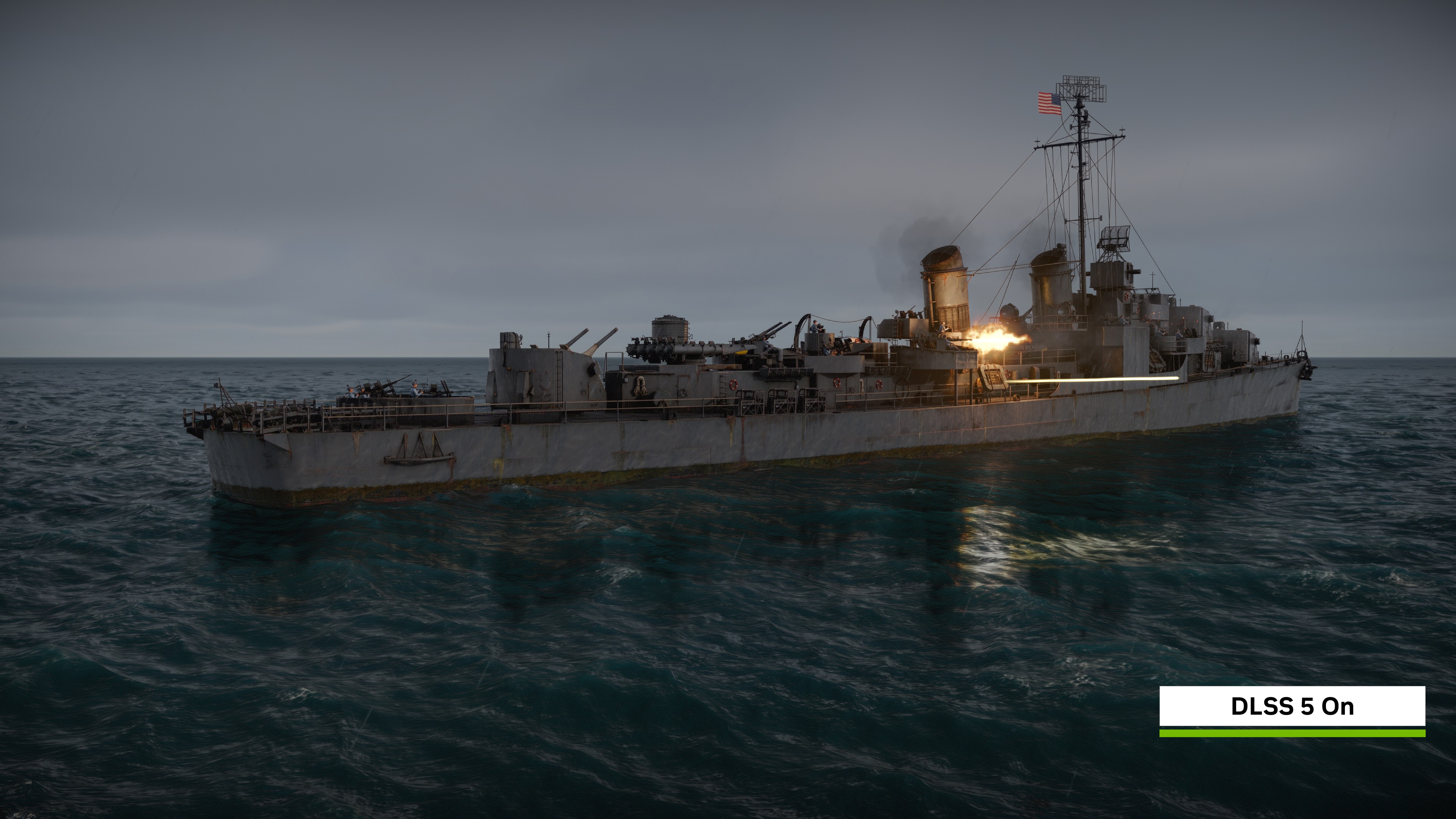
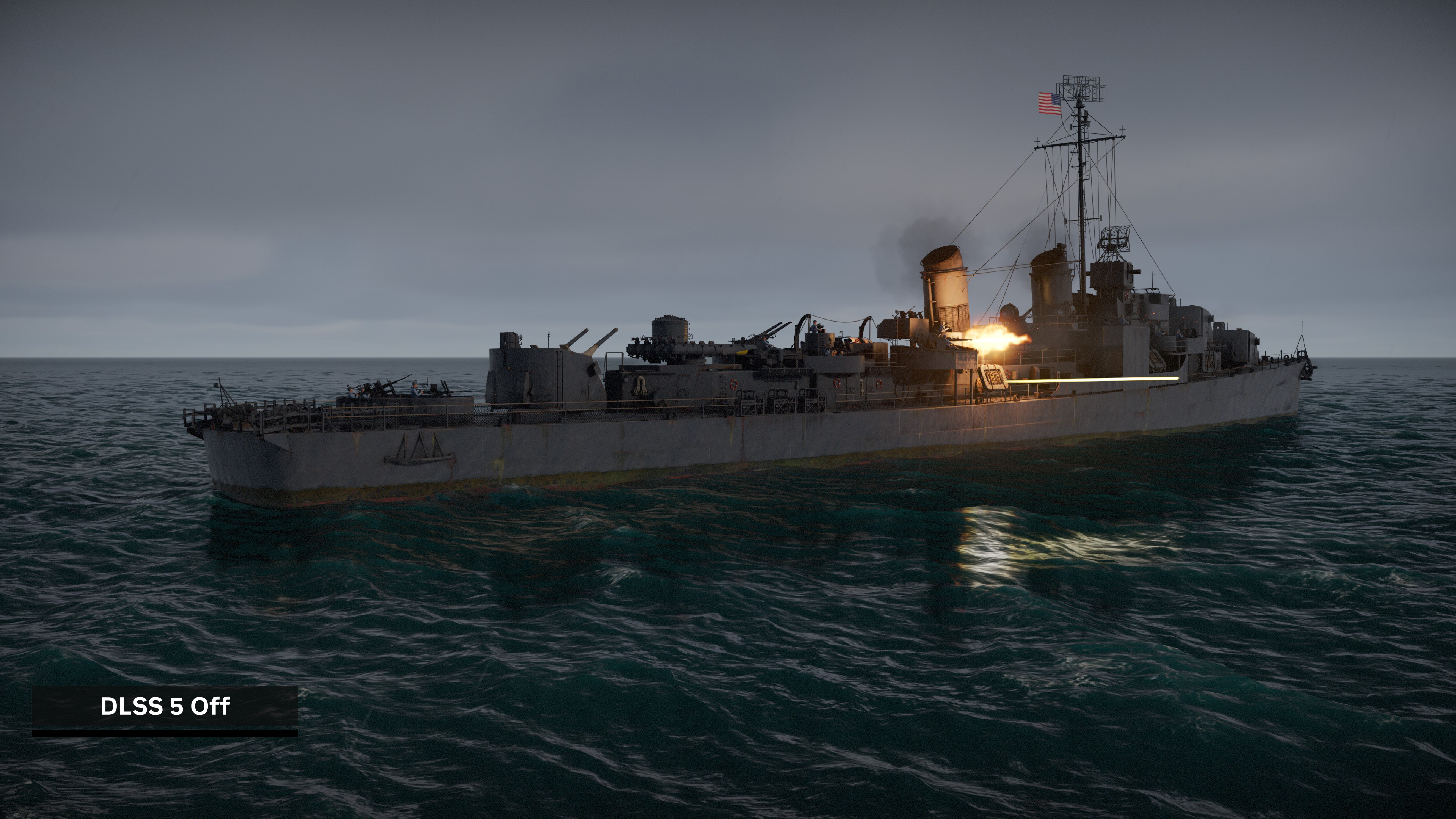
Click here to load a fullscreen 4K comparison
Gamers can play War Thunder with DLSS 3D-Guided Neural Rendering at high frame rates thanks to Ray Reconstruction and up to 6X Multi Frame Generation, even when using the Ultra preset, which includes path tracing.
At 4K, War Thunder with DLSS 5 runs at up to 400 frames per second in our ground battle benchmark:

At 2560x1440, GeForce RTX Series gamers can experience Ultra preset, path-traced, DLSS 5-enhanced War Thunder gameplay at up to 550 frames per second:
And at 1920x1080, GeForce RTX 50 Series gamers can experience War Thunder with path tracing and DLSS 5 with 3D-Guided Neural Rendering at fast frame rates:
On GeForce RTX 5090 Laptop GPUs, DLSS Ray Reconstruction, 6X Multi Frame Generation, and other RTX enhancements enable on-the-go, DLSS 5-enhanced, High preset, path-traced, 2560x1600 War Thunder gameplay at up to 300 frames per second:
And at 1920x1080, GeForce RTX 50 Series Laptop GPUs can run War Thunder with DLSS 5 at up to 490 frames per second:
DLSS 5 Available Now In Hogwarts Legacy
DLSS 5 with 3D-Guided Neural Rendering is now available in Hogwarts Legacy for all GeForce RTX 50 Series GPUs and laptops, RTX Spark PCs, and GeForce NOW Ultimate. Simply download the new update, head to the in-game options, and activate the “Neural Rendering” option.
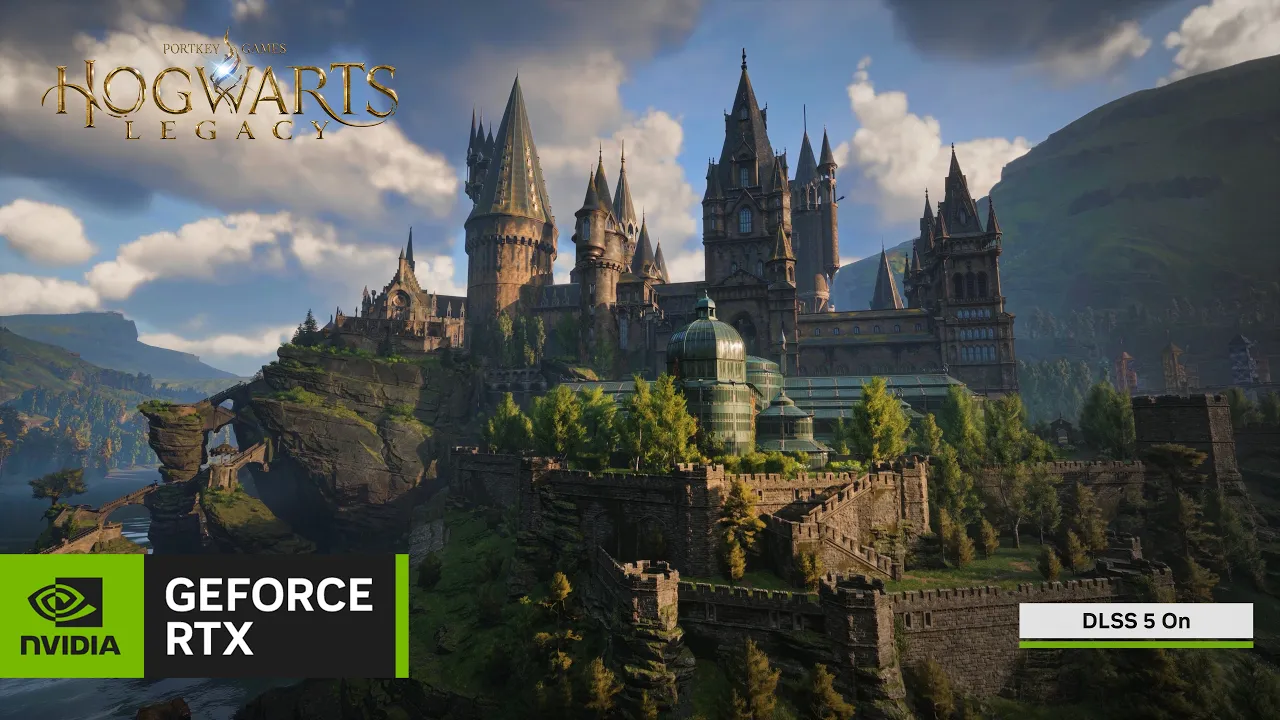
“The team at Avalanche Software worked closely with NVIDIA to add DLSS 5 Neural Rendering technology into Hogwarts Legacy for PC to ensure the best visual results while maintaining our artistic intent,” said Jose Villeta, Director of Software Engineering at Avalanche Software. “This allowed us to iterate and tune environments, tone and skin structural parameters in a manner that keeps the game true to the original vision. We’re excited for players to jump back into the game and experience it in a new way.”
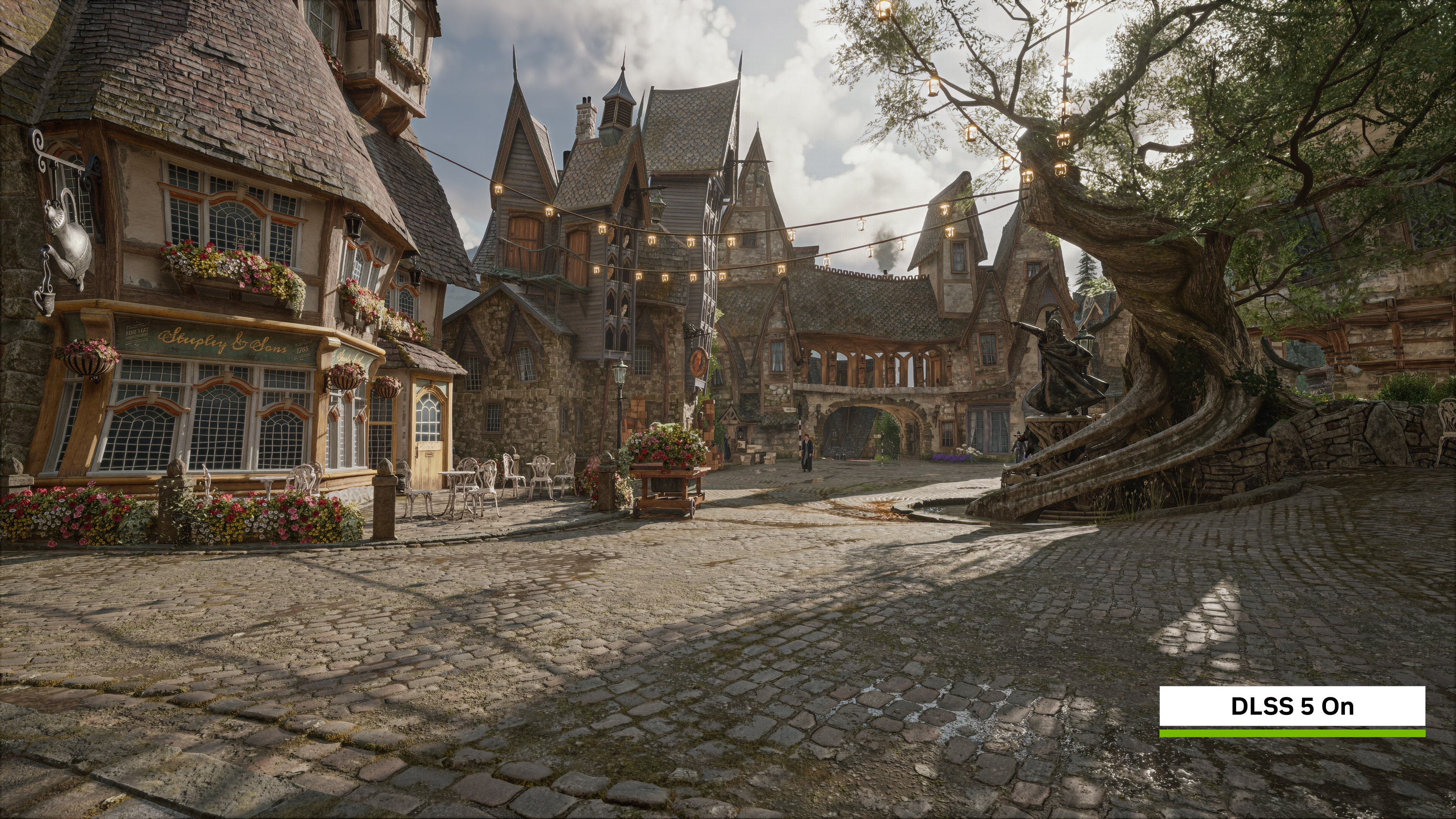
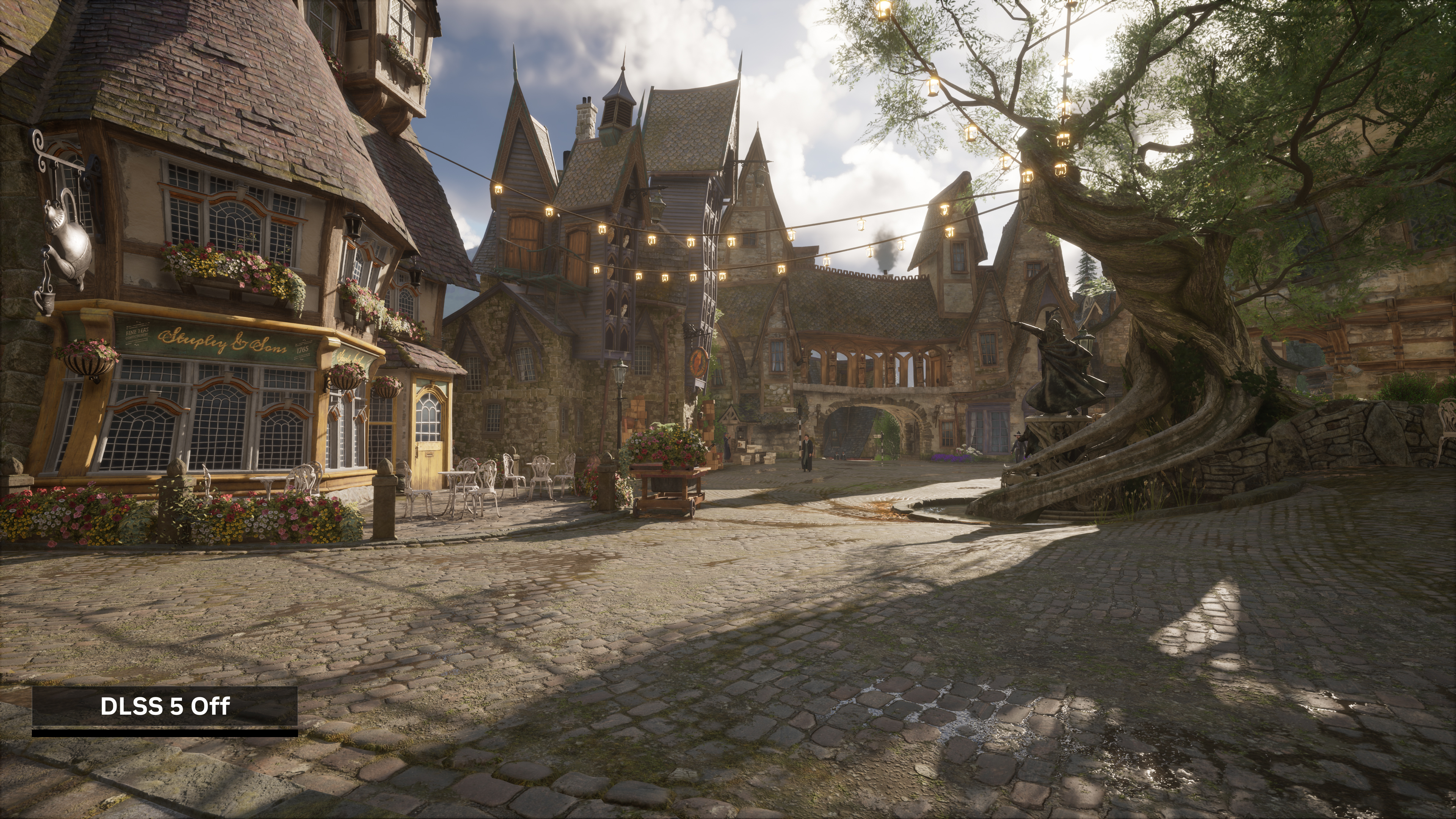
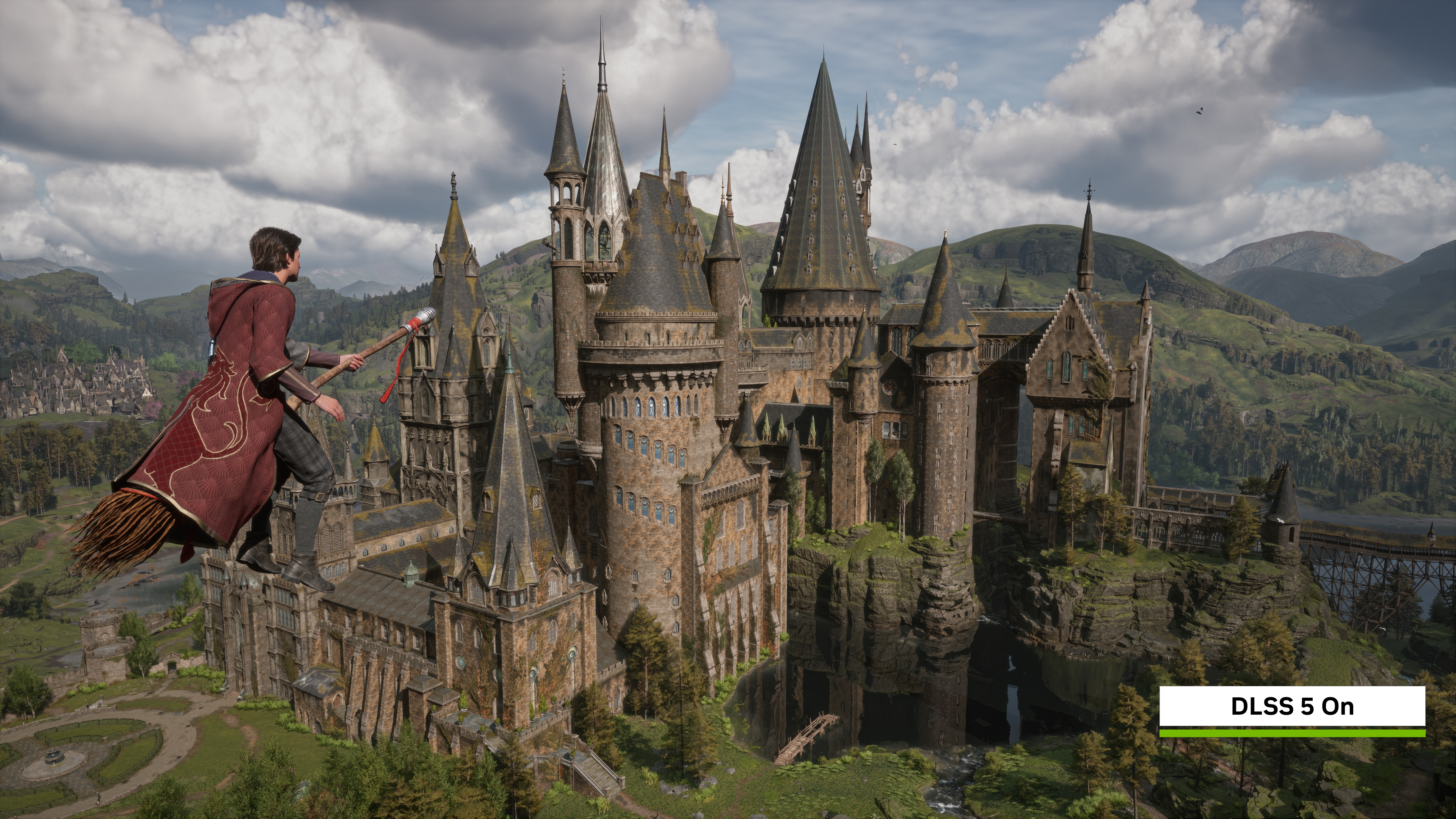
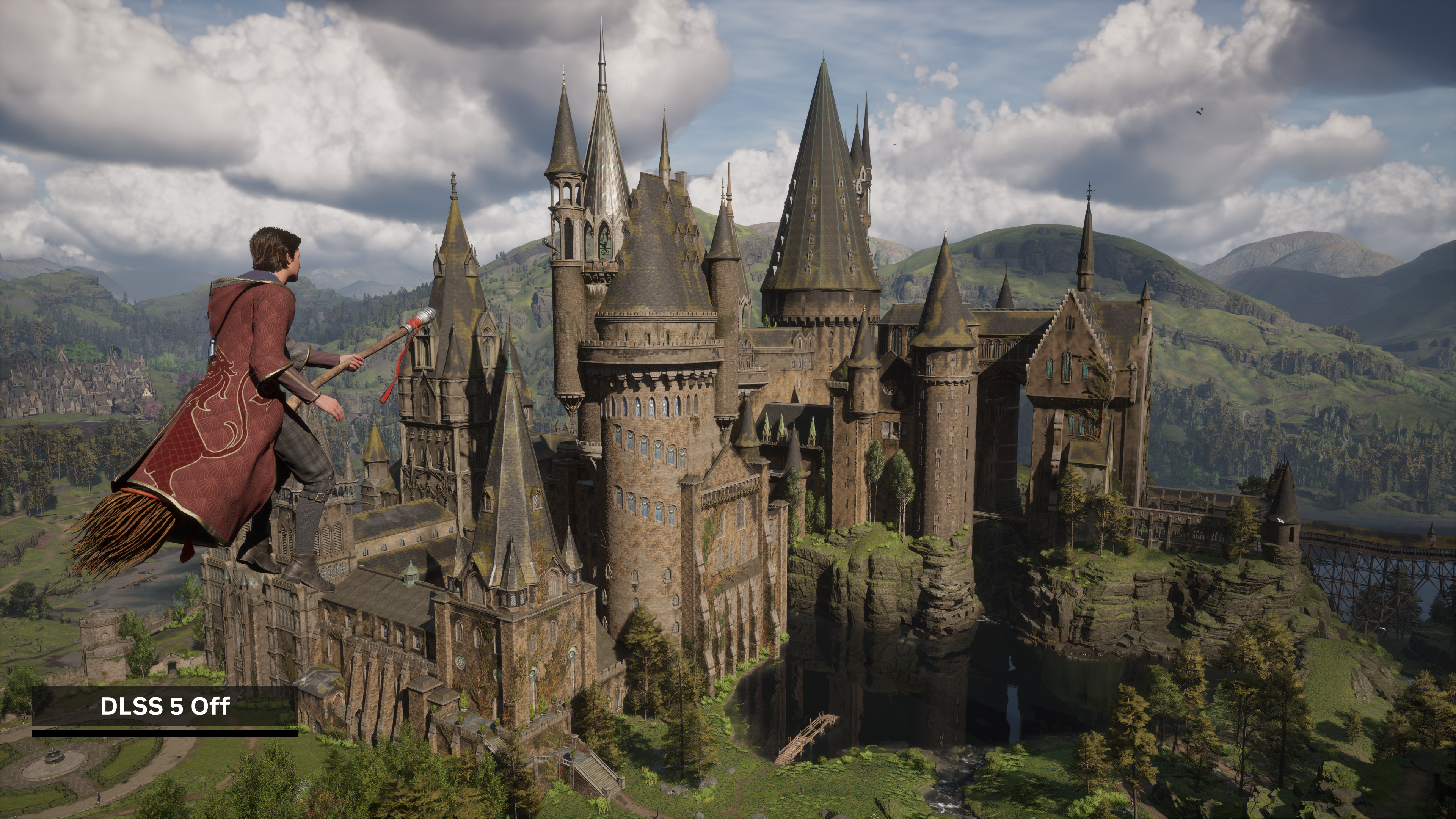
With the Neural Rendering option enabled, detail and shadows in environments are enhanced, texture detail on characters is improved, shading and lighting is refined, and reflections are more vibrant, as you can see in the interactive comparisons below.
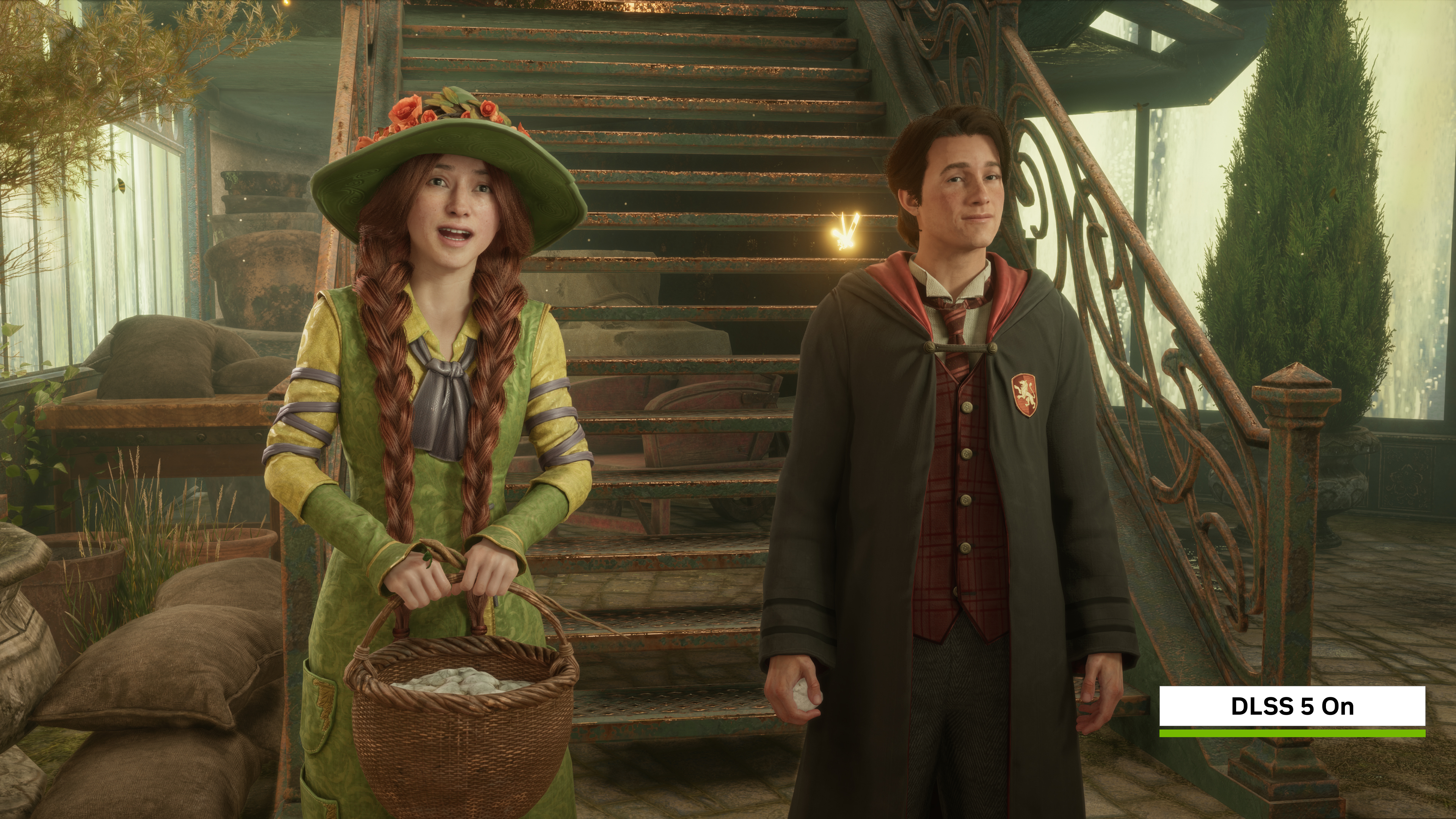
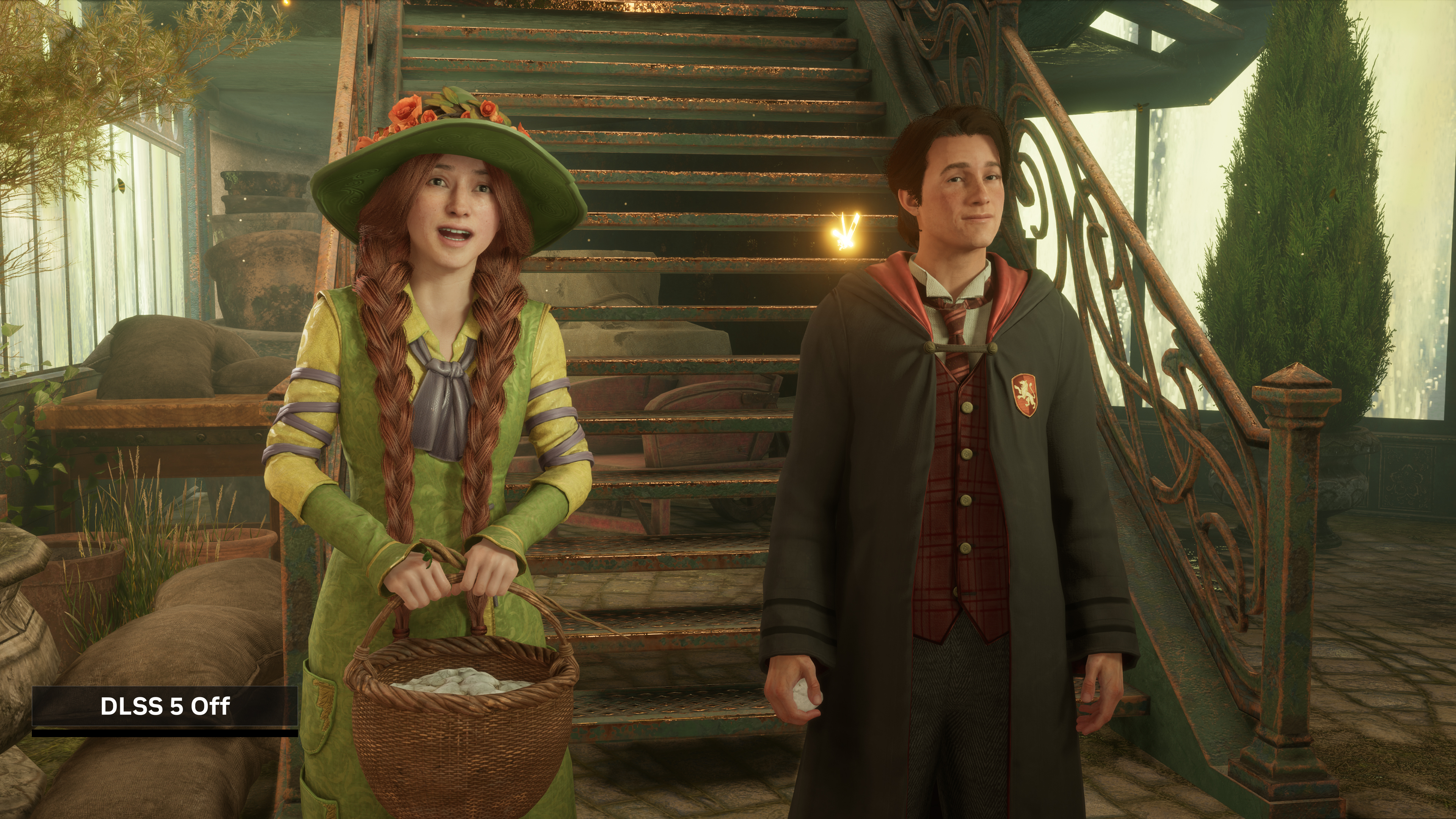
Click here to load a fullscreen 4K comparison
In this scene of Hogsmeade, enabling DLSS 5 introduces more realistic lighting and materials in the entire scene. The steep, weathered roofs exhibit significantly enhanced texture clarity, allowing elements like the creeping moss to physically pop out against the shingles with realistic structural depth. Furthermore, the vibrant window boxes and potted flowers benefit from improved localized lighting, adding localized shadows that grounds the delicate foliage within the sunlit environment.
Click here to load a fullscreen 4K comparison
Enabling DLSS 5 introduces natural spatial depth with richer contact shadows inside recessed archways and deeper internal shading across the foliage. The sunlit stone walls exhibit enhanced local contrast within their crevices, making the structural masonry look physically grounded and highly textured.
Click here to load a fullscreen 4K comparison
DLSS 5 Explained
DLSS evolves beyond performance to transform visual fidelity as well. DLSS 5 introduces 3D-Guided Neural Rendering, which uses AI to generate rich lighting and material details for developers to better realize their original artistic vision.
3D-Guided Neural Rendering uses the game engine’s rendered frame, complete with its artist-designed geometry, textures and lighting buffers as an unyielding foundation. DLSS 5 becomes the final rendering stage of the graphics pipeline, infusing scenes with lifelike lighting and materials while ensuring the engine frame defines what must remain, and the artist directs what may change.

DLSS 5 takes a frame’s color and motion vectors as input to deliver lifelike lighting and materials that are deterministic, temporally stable and anchored to the game’s content
Making an image more realistic is ultimately a creative decision, which is why DLSS 5 puts art-direction tools directly into the hands of developers. DLSS 5 empowers teams to add photoreal detail that their compute and VRAM budgets would never let them model and render explicitly. It also adds different models and controls to let them art-direct how and where it is applied. For gamers, it is a simple on or off toggle.

In this example with the ramen chef, the underlying facial proportions and geometry remain exactly as the artists designed them. When enabled, DLSS 5 enhances light responses and material detail. Ambient occlusion adds defined depth around his headband, while light transmits naturally through his ears via enhanced subsurface scattering. These subtle additions elevate the character and scene without altering his core identity.


Click here to load a fullscreen 4K comparison
Through the DLSS 5 SDK, developers have several models to choose from, with different parameter weights that produce different outputs, allowing them to pick the model that works best for their game.
This model choice can be applied to the entire game, or they can mix-and-match the models in different scenes. For example, artists can select one model for dense outdoor foliage, and another model for dramatic indoor scenes. They can also mix-and-match different models for gameplay and cutscenes, whichever fits their artistic vision.
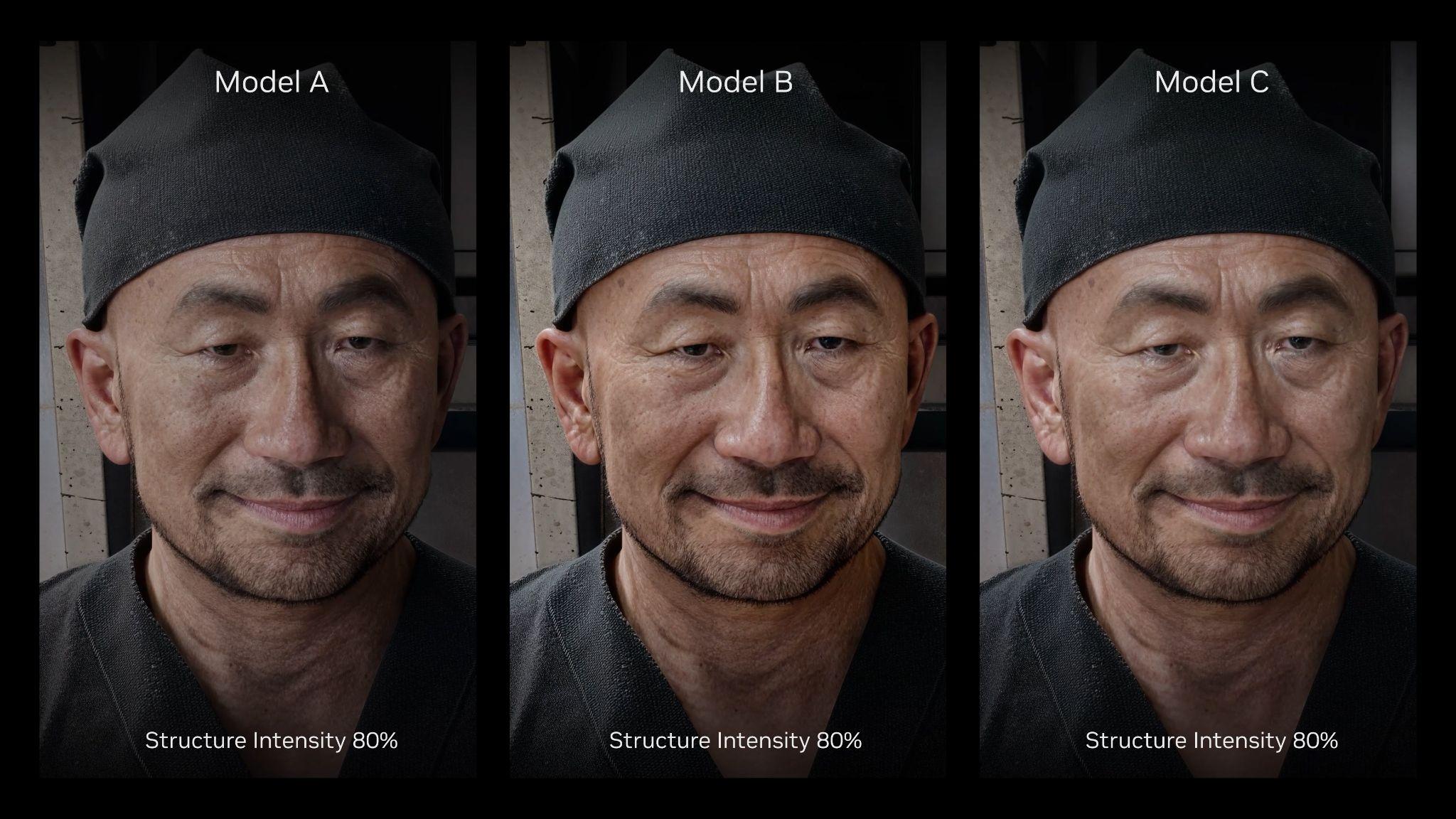
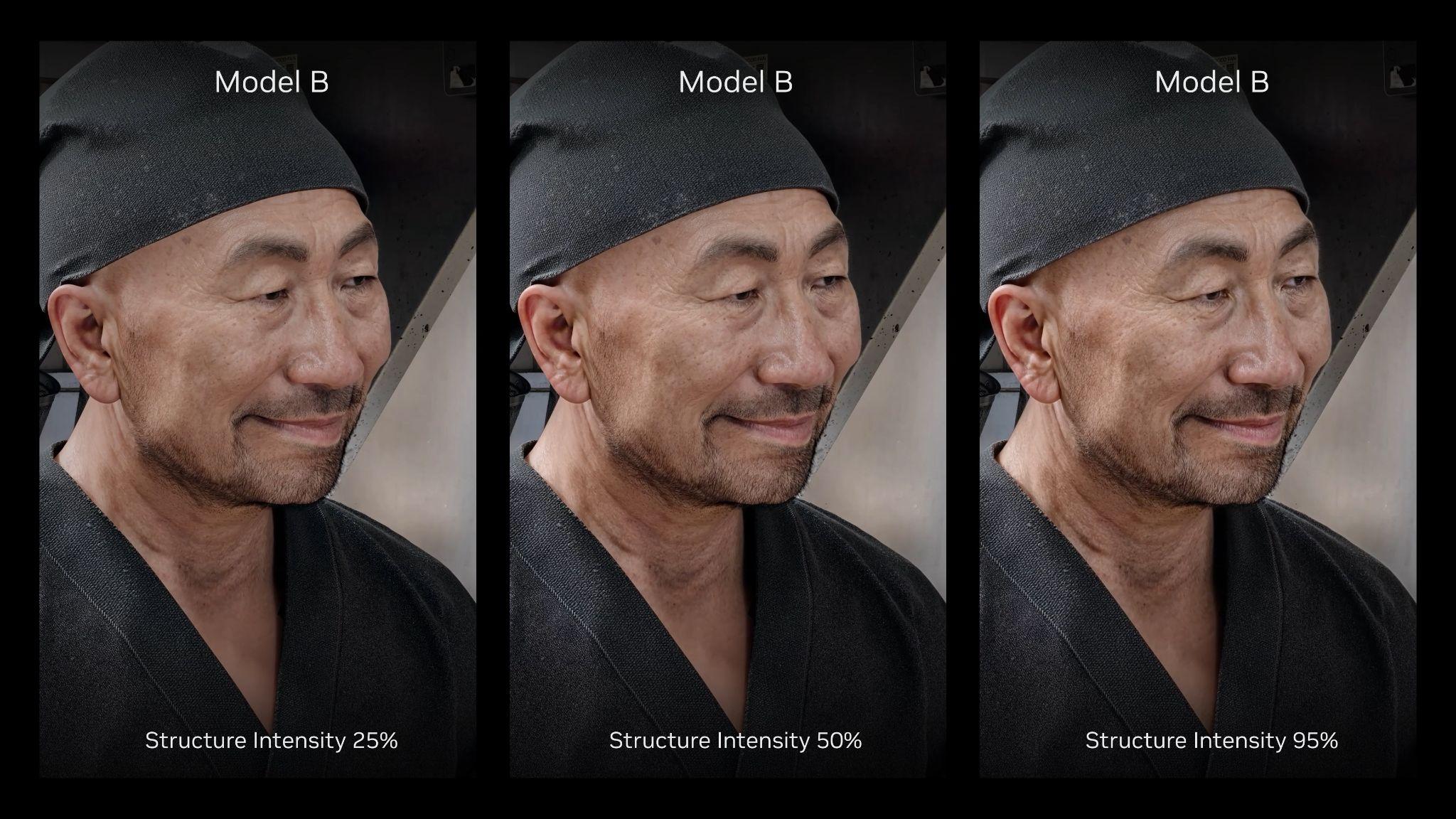
DLSS 5 also offers Structure Intensity and Tone Intensity adjustments. Structure Intensity controls high-frequency details such as ambient occlusion, reflections, and subsurface scattering. This control enables developers to have a big lever to increase realism in their games.
With Tone Intensity, developers can control the low-frequency details such as broader lighting and color response. This allows the developer to decide to show the exact colors from the rendered frame by setting this value to zero, or increase the setting to make tonal adjustments based on the scene. Together, they let the artists decide how much enhancement is applied to the output.
To ensure enhancements are applied only where intended, DLSS 5 features semantic AI masking that recognizes scene objects automatically, allowing developers to boost the environmental uplift while holding back on characters, or vice versa.

Furthermore, engine-level masking allows artists to isolate specific props or asset groups, such as glassware, water droplets, or foliage, and apply custom neural lighting tweaks to specific elements of a game without altering surrounding elements.

As we work in close partnership with studios, developer feedback continues to directly shape how we refine the technology and expand our suite of models and controls.
DLSS 5 Evolution Continues
Since the initial announcement of DLSS 5 in March, our progress has been rapid: from running on dual GeForce RTX 5090s to now a single graphics card, we’ve achieved a 10X performance gain in just seven months, making DLSS 5 available for all GeForce RTX 50 Series GPUs, RTX Spark devices, and streaming for GeForce NOW Ultimate members. This milestone stems from a combination of systematic pipeline optimizations, and neural model refinements that yield both faster execution and better image quality.
Hogwarts Legacy, War Thunder and Where Winds Meet all feature our October 2026 Neural Rendering model, which shrank DLSS 5’s footprint by 24% to roughly 118 million parameters, while reducing 4K VRAM usage by 20%, increasing performance by 2X compared to the previous version, giving you an even better experience.

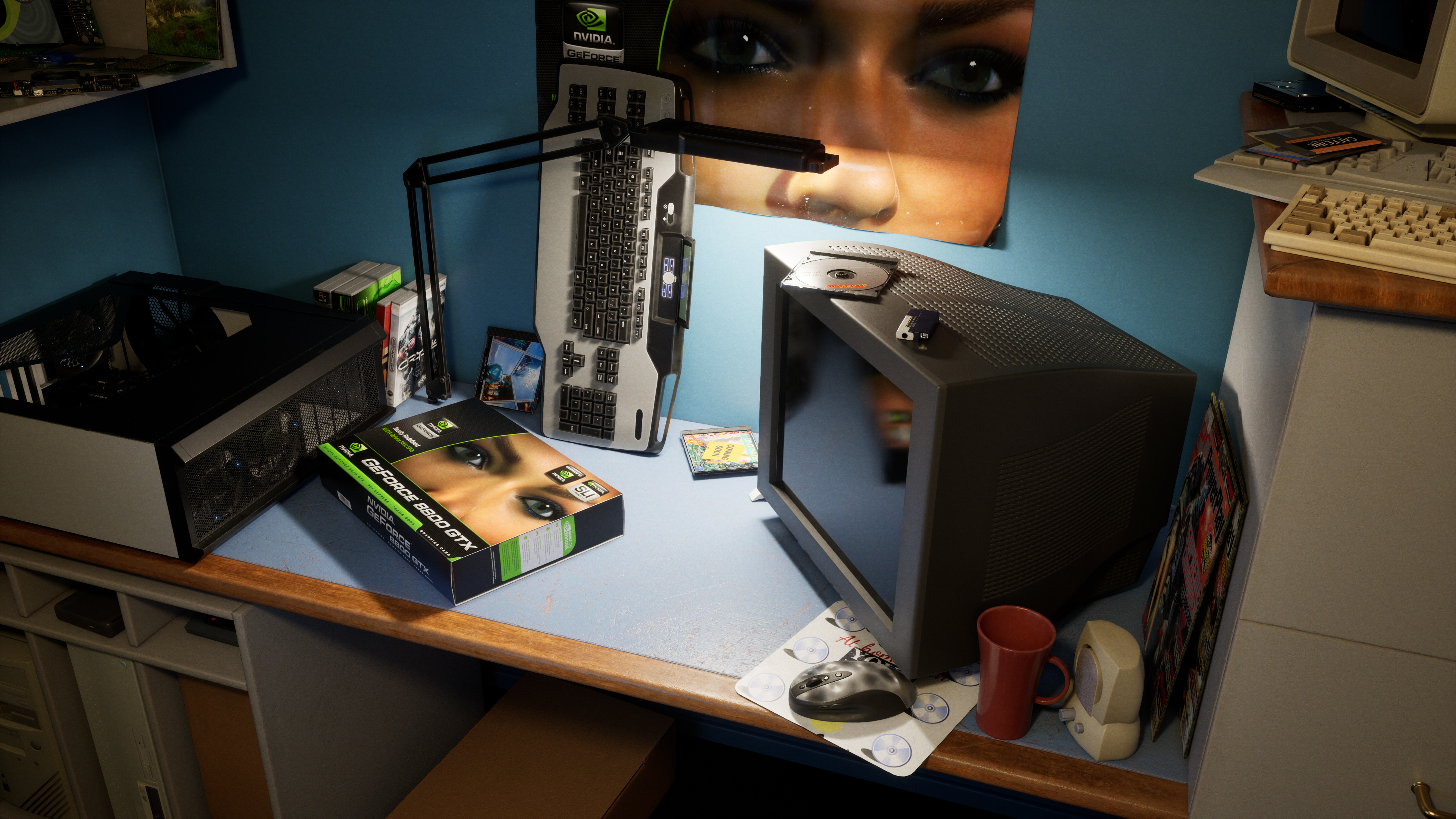
GeForce 8800 GTX: Celebrate 20 Years Of Gaming & CUDA
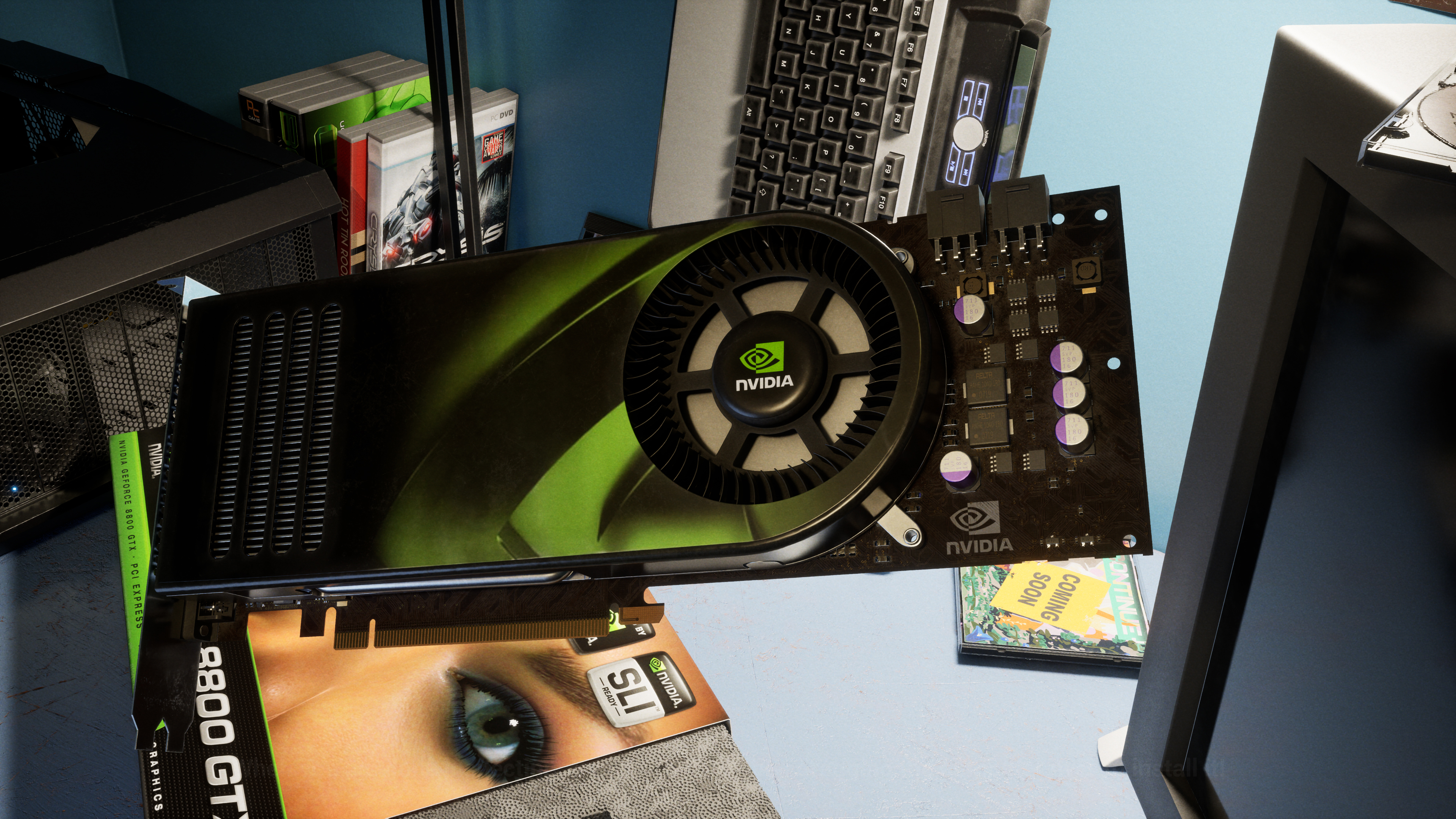
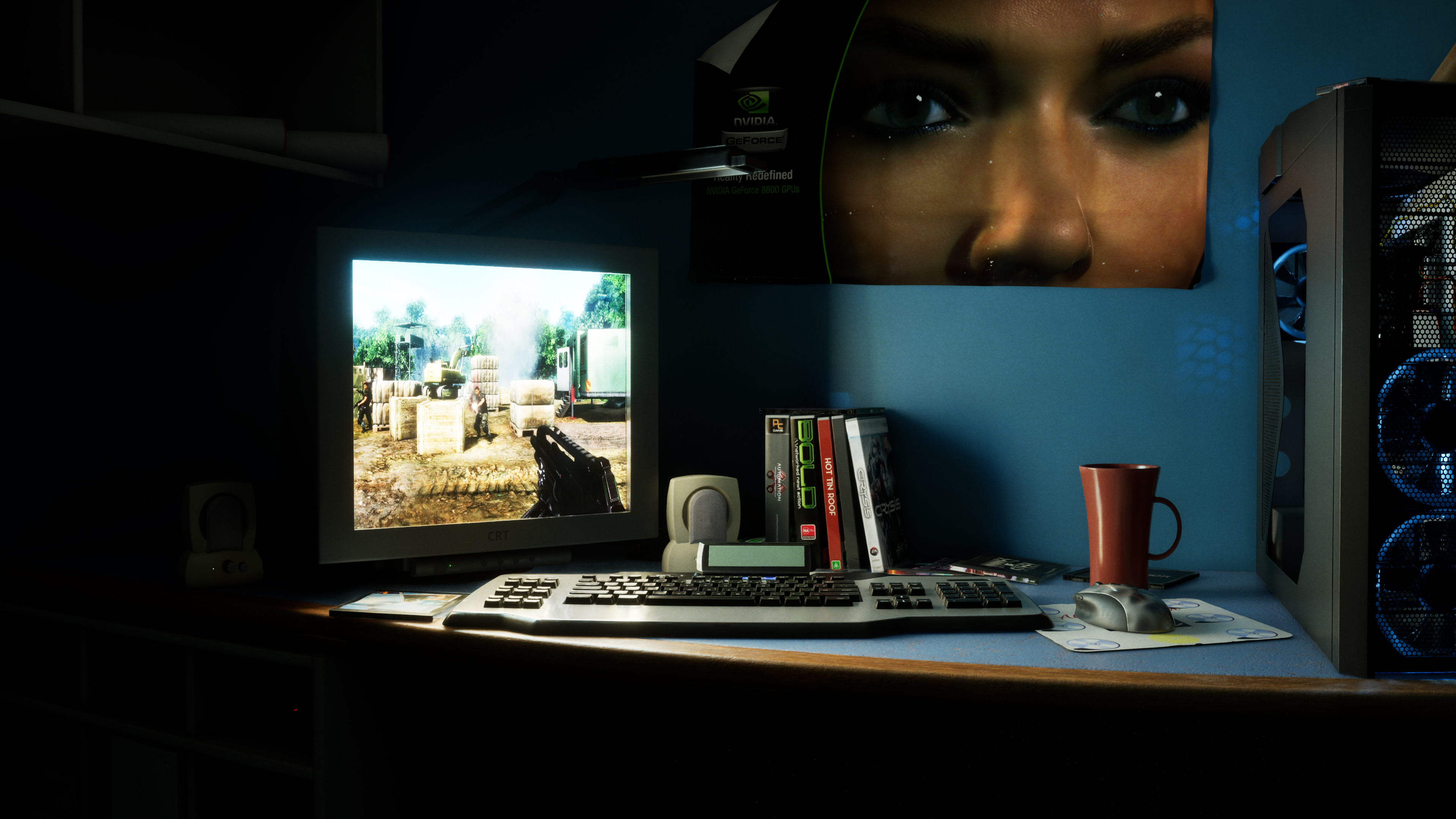
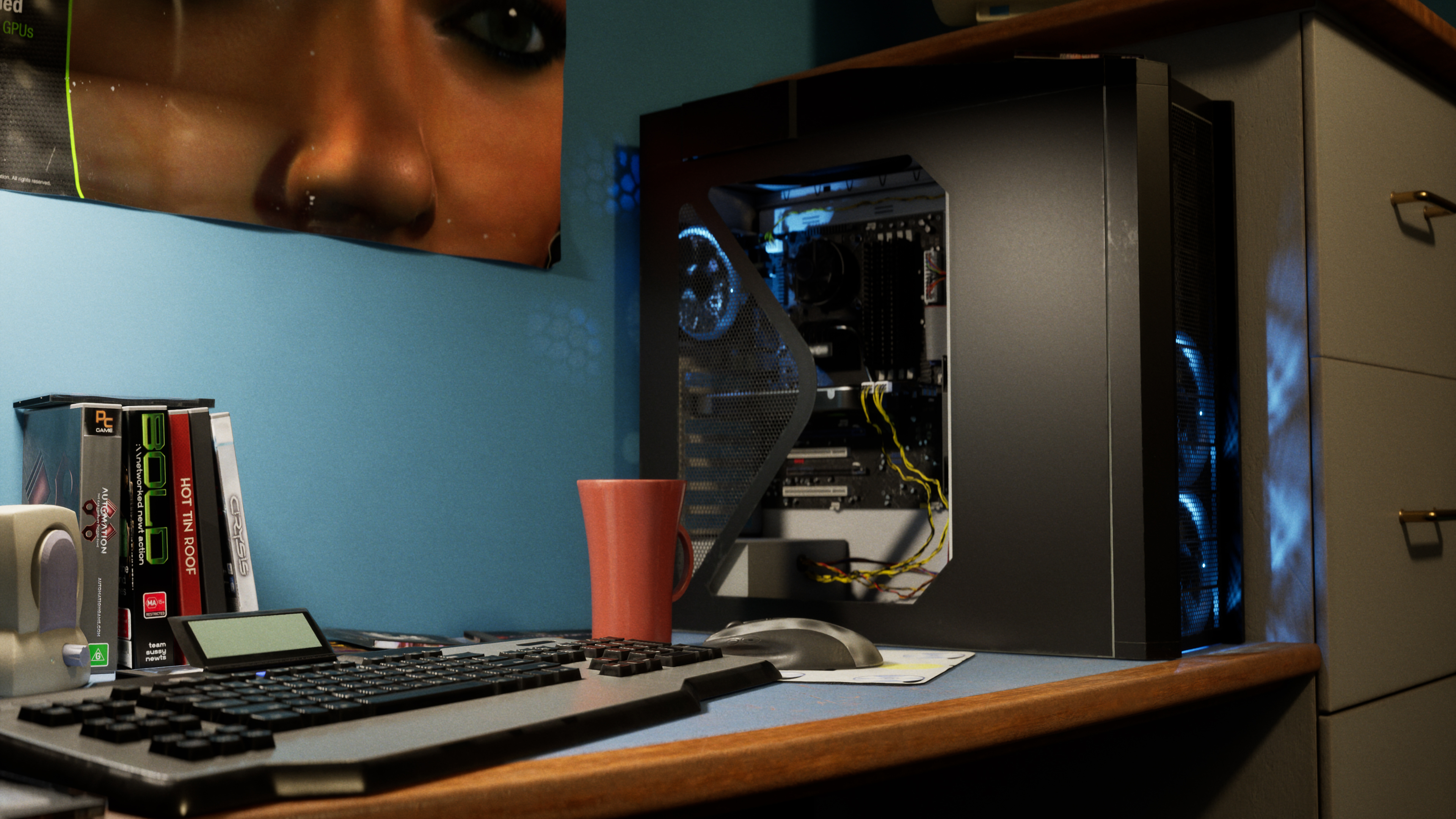
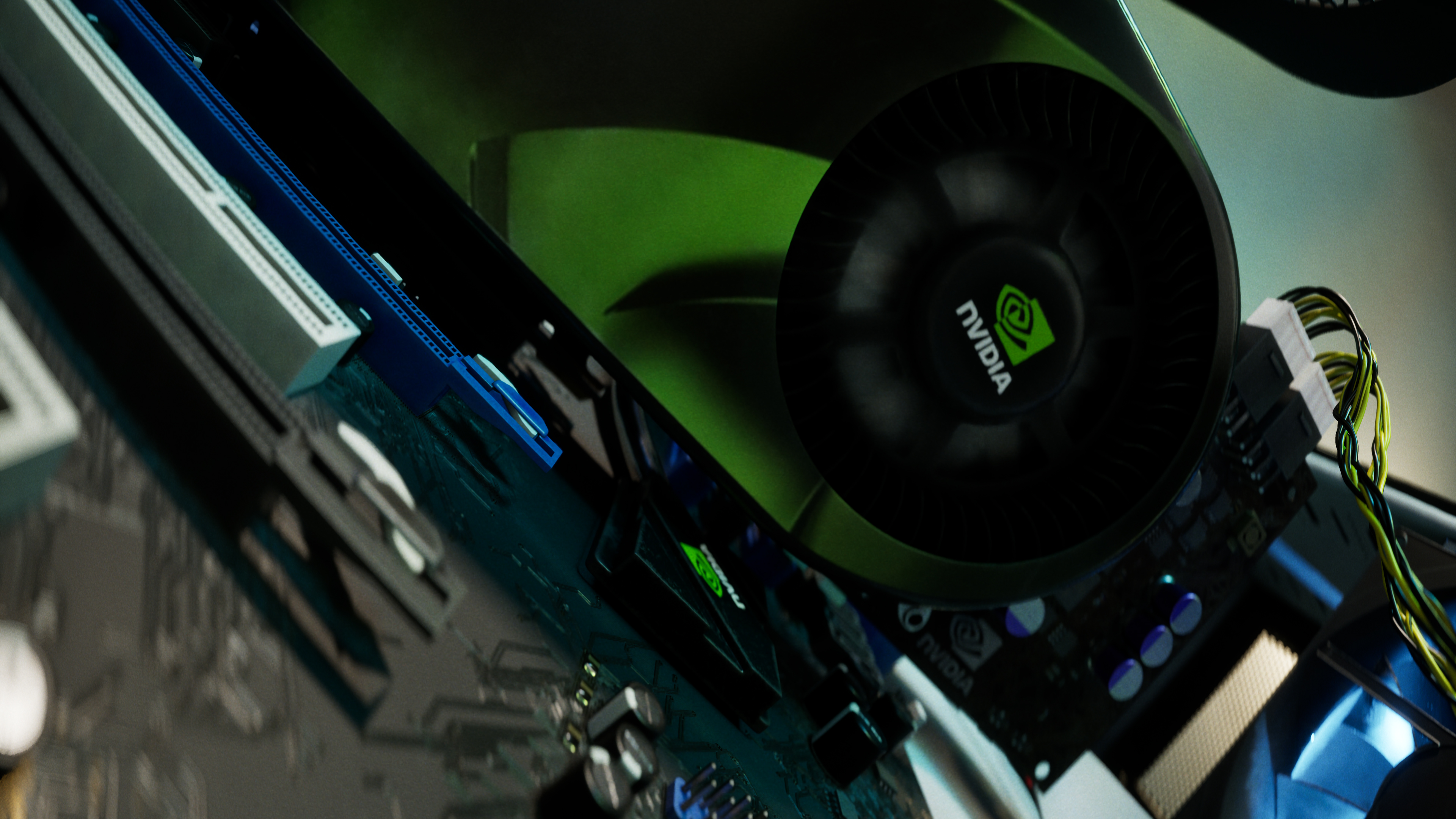
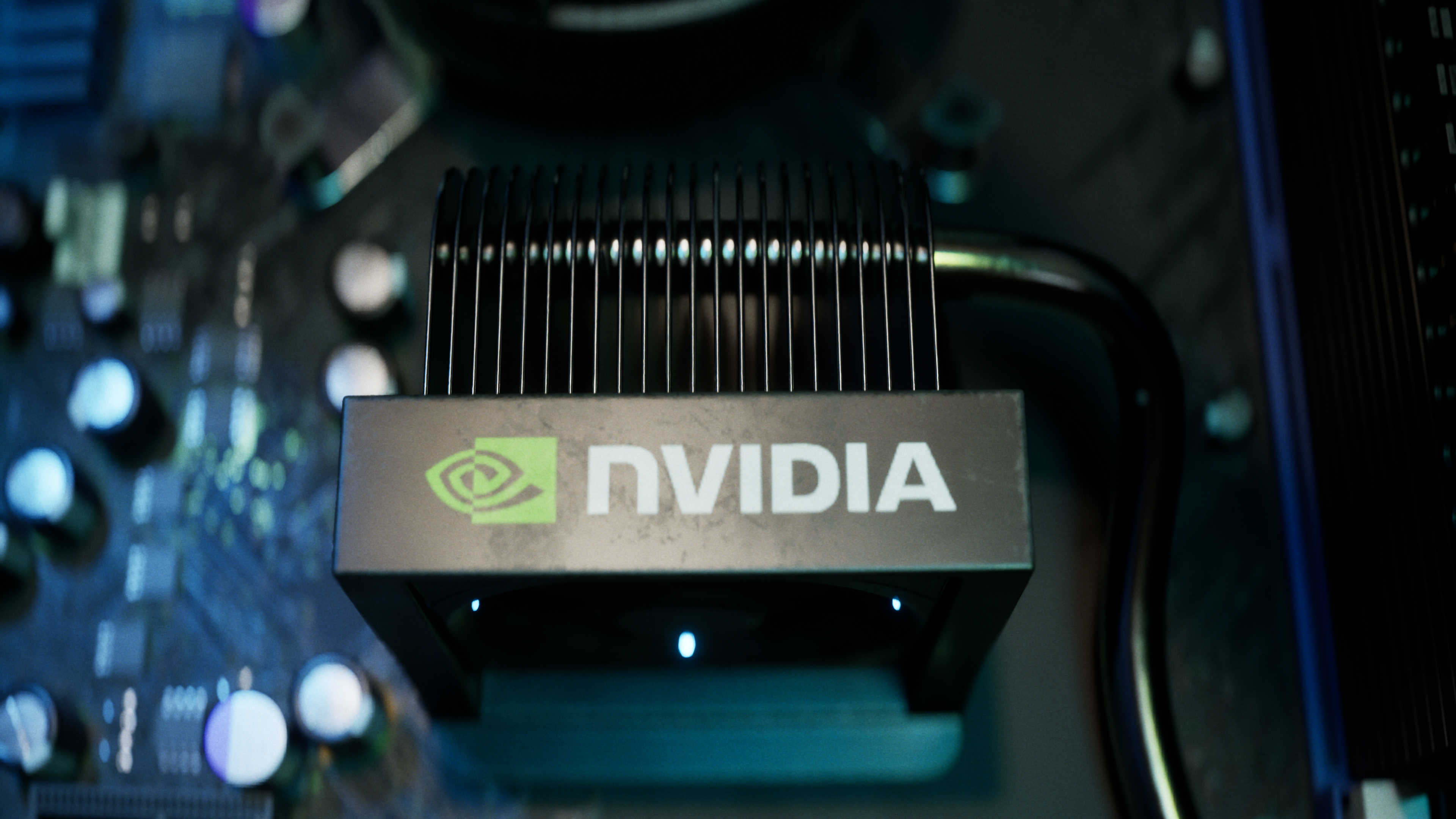
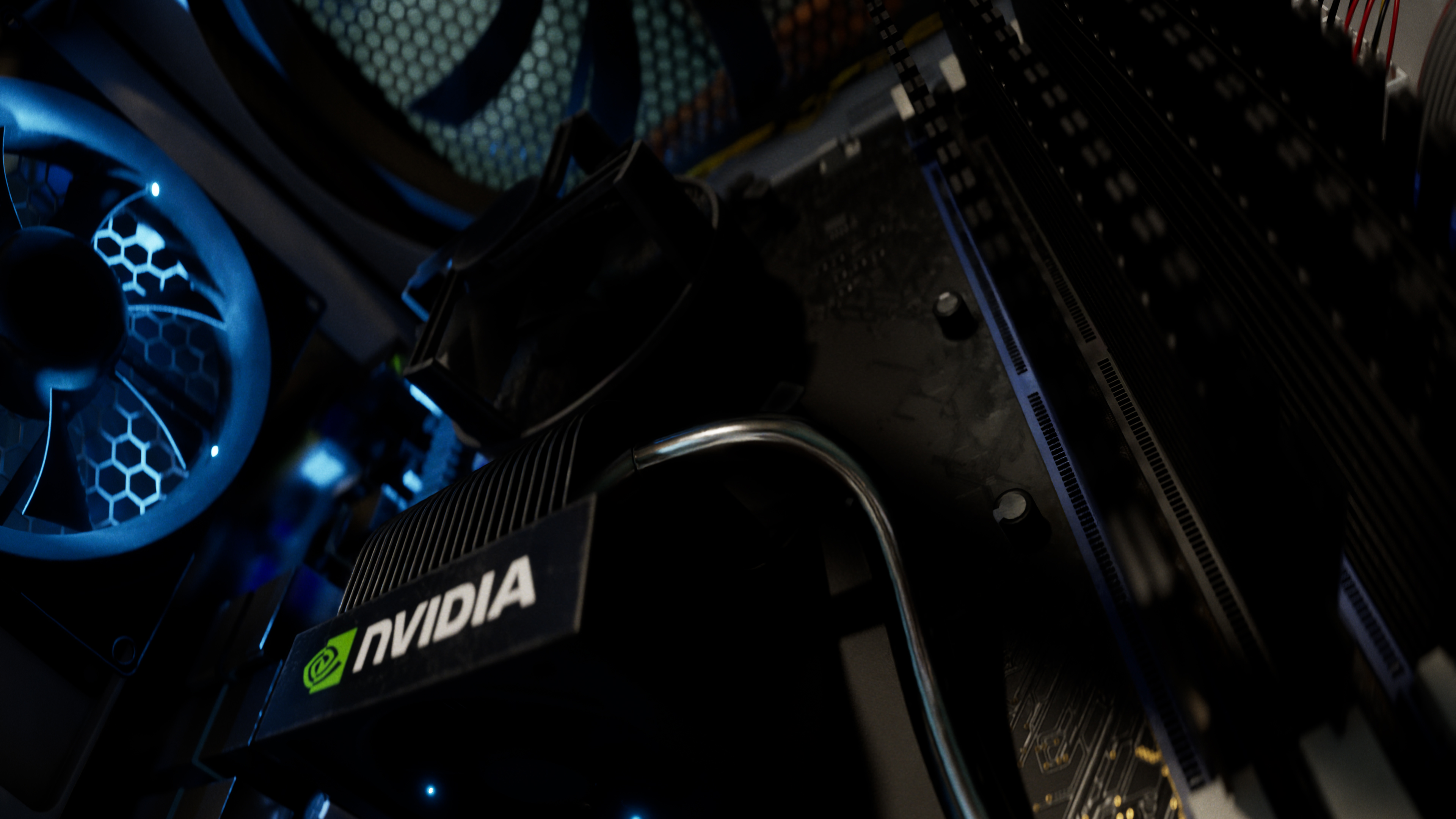
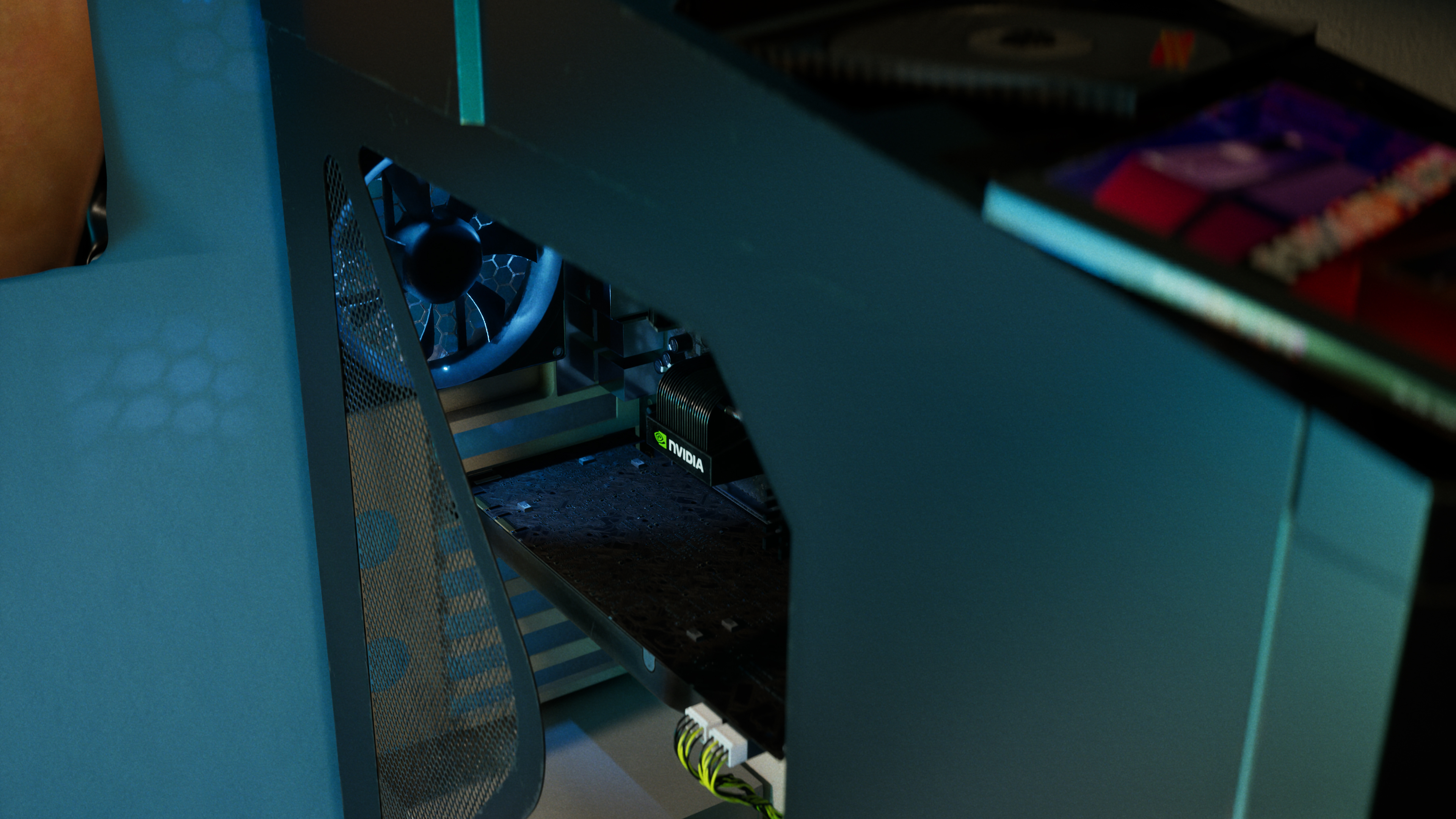
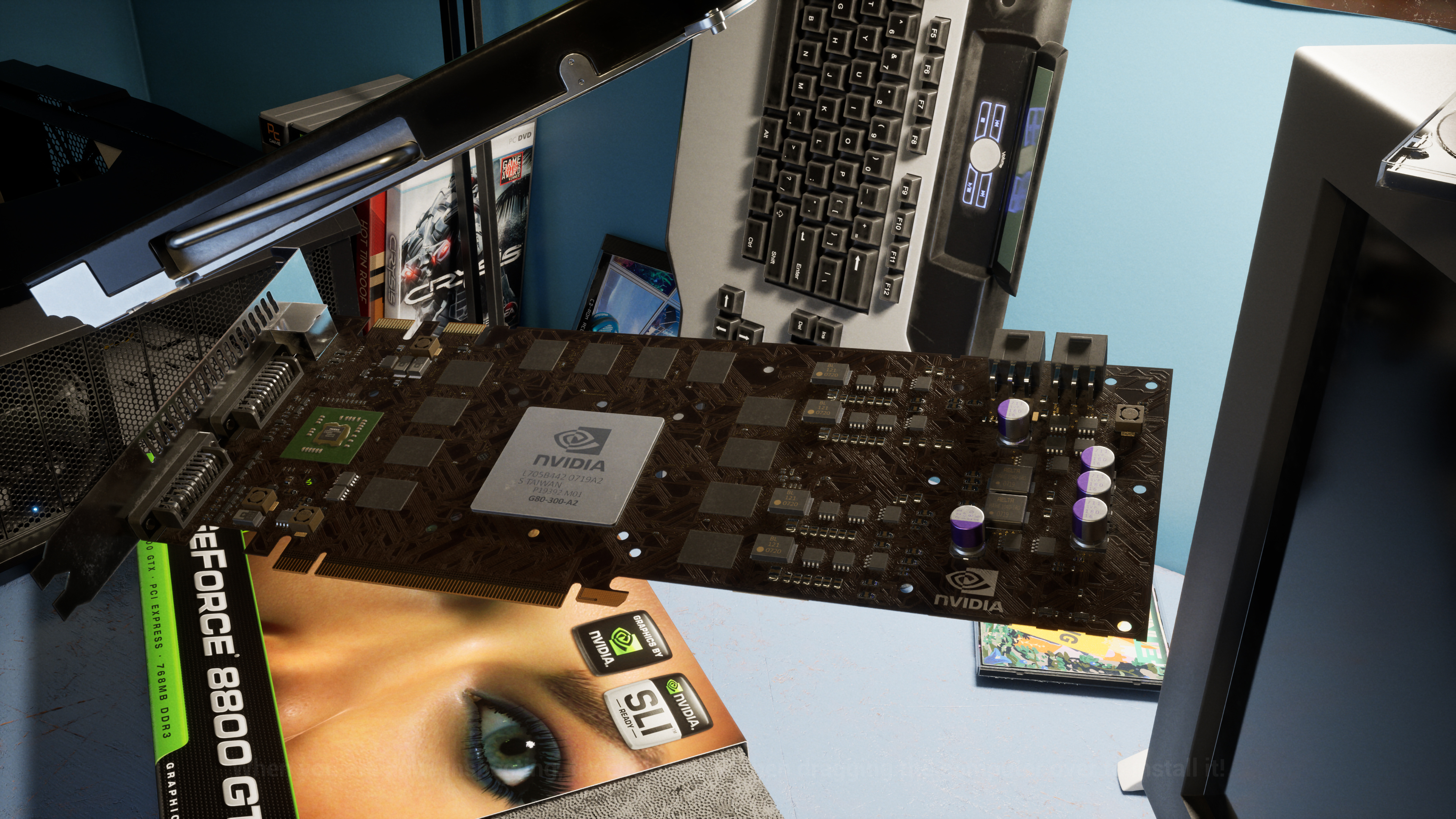
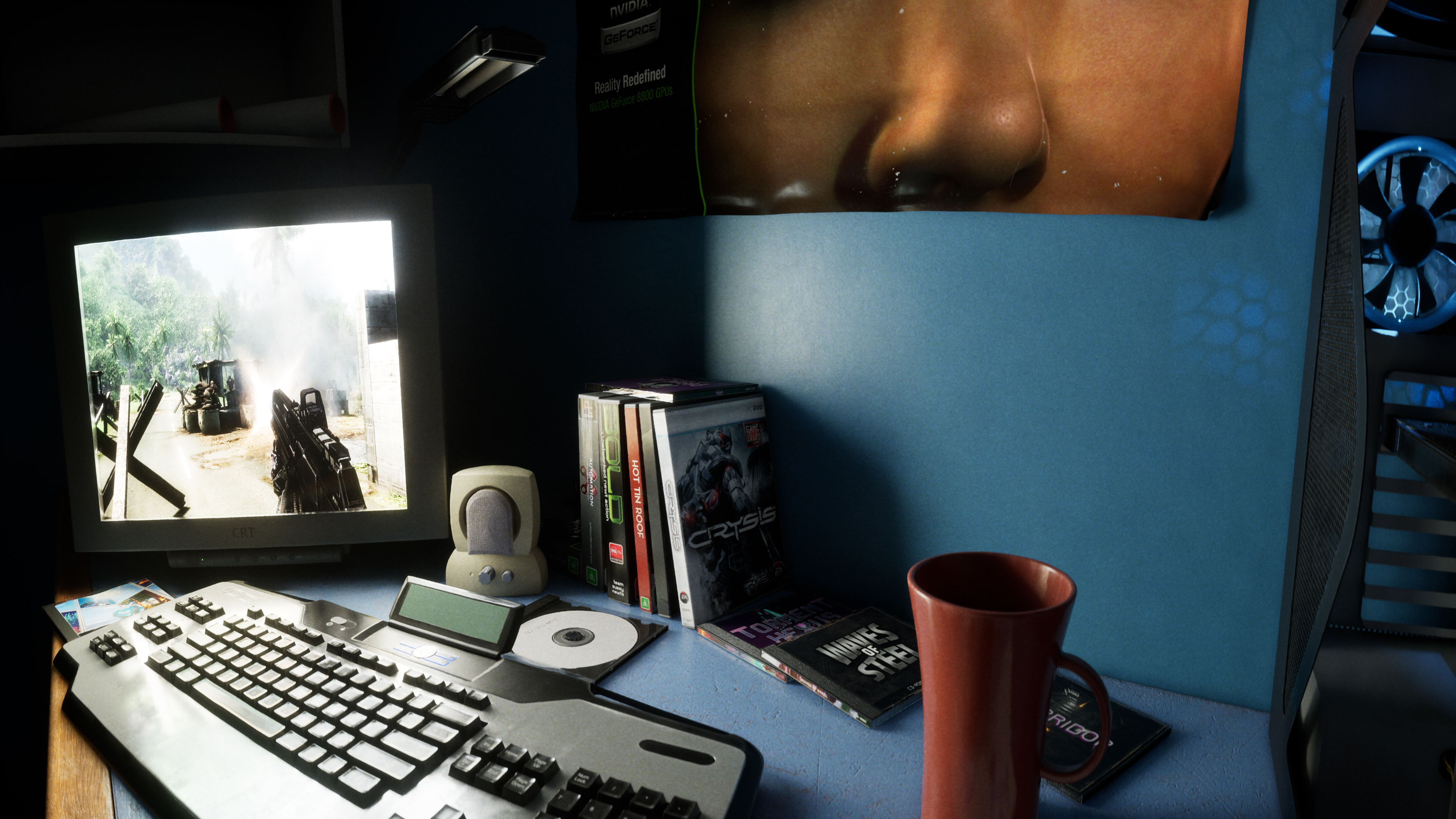
Few graphics cards have left a mark on PC gaming quite like the GeForce 8800 GTX, which hit shop shelves November 8th, 2006. To celebrate its 20th anniversary, we’ve looked back at its gaming and CUDA legacy, and checked out “GeForce 8800 GTX - 20 Years of a Legend”, a downloadable Steam demo from Unreal Engine artist Dylan Browne that leverages the latest technologies to revisit 2006 in unprecedented detail.
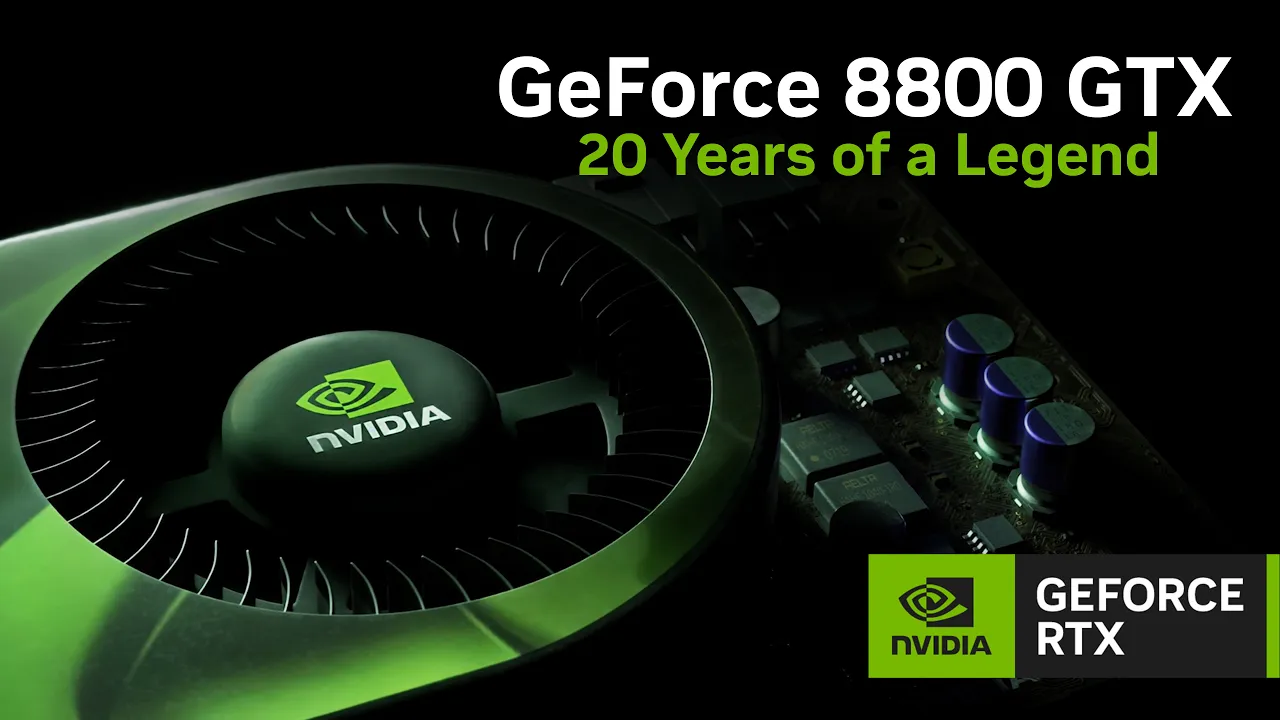
At the heart of the GeForce 8800 GTX was our G80 architecture, featuring DirectX 10 support, enabling the creation of more detailed and dynamic worlds. It also helped lay the foundation for CUDA, with the GeForce 8800 GTX being the first CUDA-capable graphics card, enabling developers to apply the GPU’s parallel processing power to computing beyond graphics. Today, CUDA accelerates and powers the world’s leading applications, with CUDA acting as the foundational computing language linking the most popular software frameworks directly to NVIDIA hardware.
With 768MB of GDDR3 memory and a 384-bit memory bus, the card powered an ambitious generation of games, including Company of Heroes, BioShock, and Crysis. These were games that made a new graphics card feel like an invitation to see what PC gaming could do next.
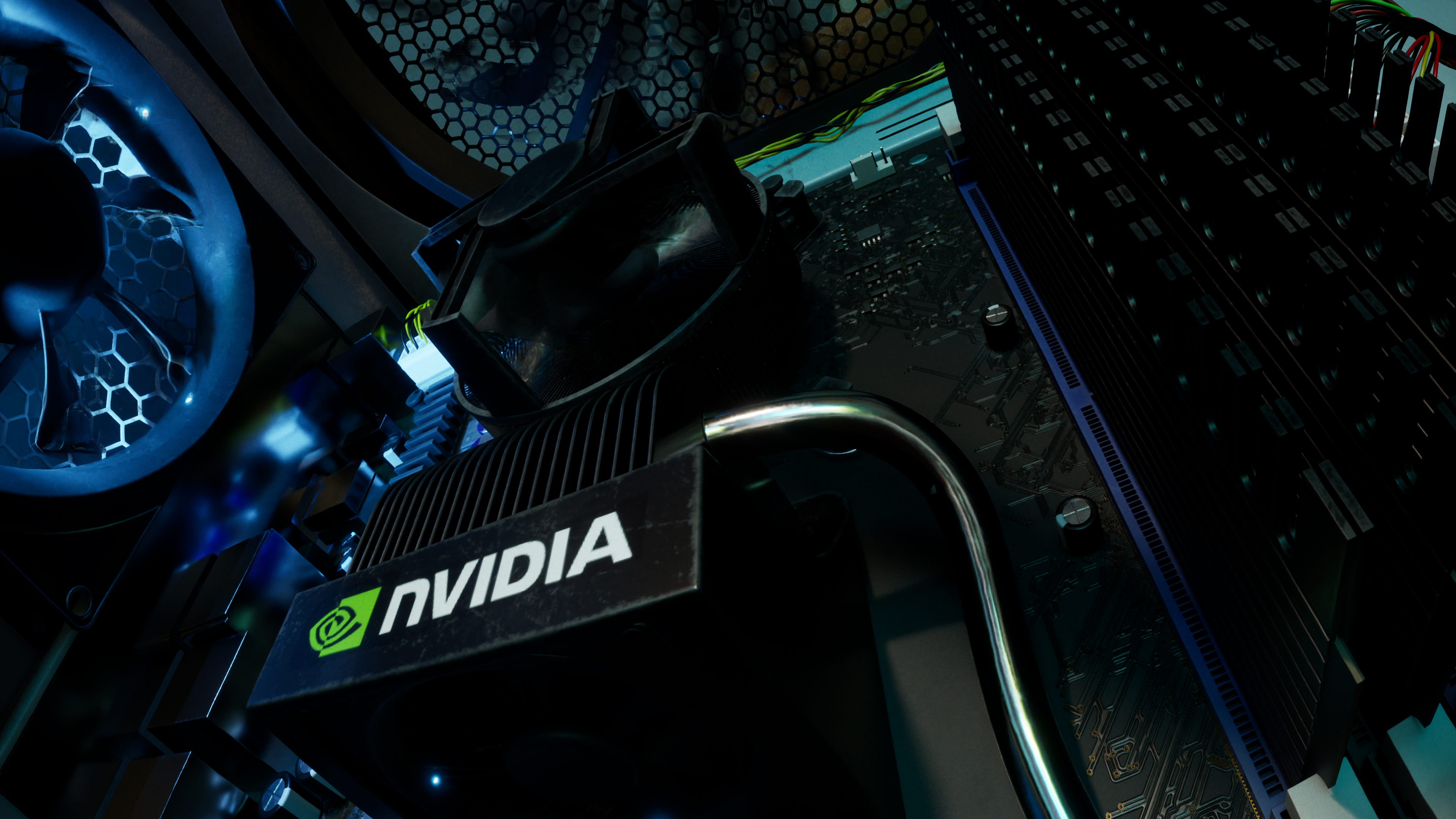
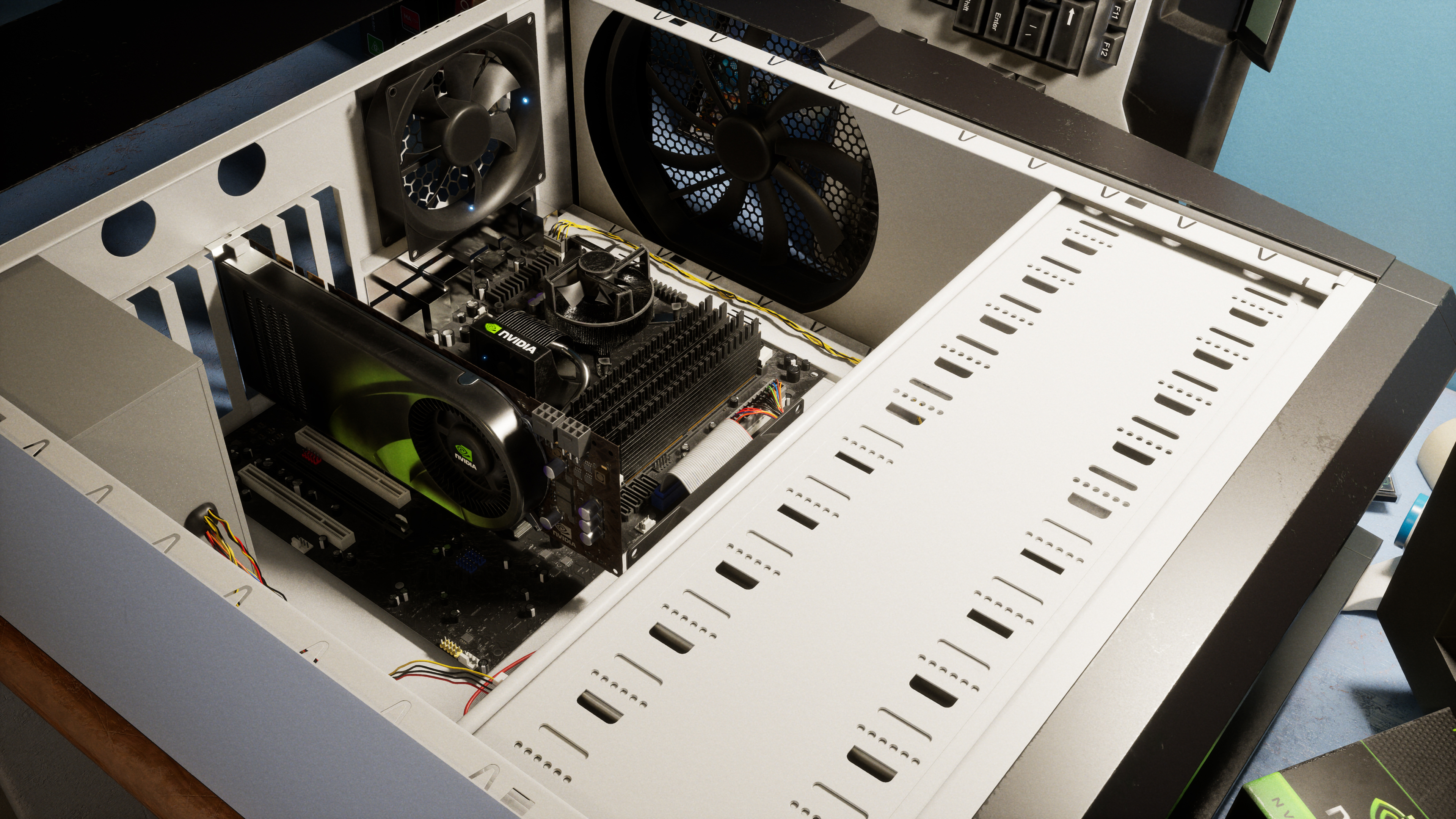
GeForce 8800 GTX - 20 Years of a Legend uses DLSS 4.5 Ray Reconstruction, Dynamic Multi Frame Generation, Path Tracing, RTX Mega Geometry and more to recreate the excitement of adding the legendary GPU to an era-accurate PC. Unbox the GeForce 8800 GTX, inspect it up close, install it in a PC tower, explore the room, and look for nods to GeForce history.
Head Back Soon For Even More RTX Games
There are even more DLSS integrations arriving soon for a whole host of games. Return regularly for a rundown of the next DLSS and RTX titles to GeForce RTX and RTX Spark systems, and head here to see the full list of over 1,000 RTX-enhanced games and apps, along with a list of all games and apps with verified support for NVIDIA app’s DLSS overrides.