
Fortnite : Battle Ready
GeForce Performance You Can Touch
Drop in From the Cloud
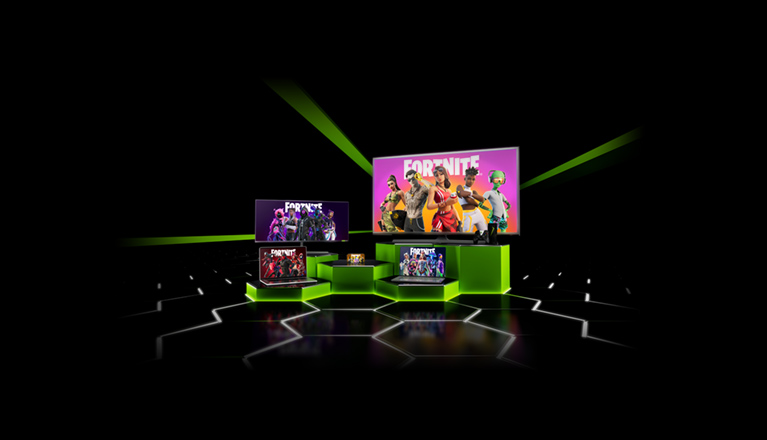
The wait is over - gamers can now experience Fortnite on supported iOS Safari and Android devices with new touch controls on GeForce NOW. Jump in and start playing right away with just the screen and your fingers, no gamepad or keyboard/mouse are needed.
Build, battle, and dance your way to a Victory Royale with the power of high-performance GeForce GPUs,
streaming right to your mobile devices from the cloud.
How to Play
Existing members can click the links below and follow the steps to launch GeForce NOW on your iOS or Android device.

Not a member? Sign up here.
Ready to chase your next Victory Royale
Discover more ways to play! Create, play and battle with friends for free in Fortnite. Be the last player standing in Battle Royale and Zero Build, or experience concerts, attend live events, traverse parkour games and explore even more creator-made experiences. Find it all in Fortnite!
FAQ
Yes it is. Android users playing Fortnite on GeForce NOW will have access to on-screen touch controls and related game menus when playing through the GeForce NOW Android app. Please visit this knowledge base article for more information.
Yes, Bluetooth gamepads are supported. Here are some recommended gamepads.
Visit our membership page and choose your preferred membership option.
Easily download or install the GeForce NOW app for your selected device. You can choose from the latest GeForce NOW apps.
IOS SAFARI:
Using your iPhone or iPad, open Safari and go to play.geforcenow.com. Follow the instructions to “install” the home screen shortcut.
ANDROID:
Download the NVIDIA GeForce NOW app from the Google Play store.
Epic Account linking enables single sign-on for Fortnite, which lets you play the game without having to log in to your Epic Games account every time you launch a new Fortnite session on GeForce NOW. To link your Epic Games Store account, open the GeForce NOW app and link your account in Settings. Learn more here.
Nothing! You’ll be able to continue playing with touch controls the same as during the beta period. Look for a special thank you offer for joining the closed beta in your email.
Join Us on Social

