Resident Evil™ Requiem GeForce Game Ready Driver Released
March 2nd, 6am PT Update: We have resolved the aforementioned issues, and released a new version of the Resident Evil™ Requiem Game Ready Driver, which you can download from the NVIDIA app or GeForce.com.
------
February 26th, 11am PT Update: We have discovered a bug in the Game Ready and Studio 595.59 WHQL drivers and have removed the downloads temporarily while our team investigates. For users that have already installed this driver and are experiencing issues with fan control, please roll back to 591.86 WHQL.
NVIDIA app users can reinstall their previous driver by clicking the three dots in the Drivers tab.
------
Original Article: Our new GeForce Game Ready Driver optimizes your system for Resident Evil™ Requiem, launching today at 9pm PT, featuring immersive path tracing, DLSS 4 With Multi Frame Generation, and DLSS Ray Reconstruction.
Additionally, there’s support for Marathon, featuring DLSS Super Resolution and NVIDIA Reflex.
Download and install from the Drivers tab of NVIDIA app or GeForce.com, and read on to learn more.
Game Ready For Resident Evil™ Requiem, Featuring Path Tracing, DLSS 4 With Multi Frame Generation & DLSS Ray Reconstruction
Prepare to escape death in a heart-stopping survival horror experience that will chill you to your core! Resident Evil™ Requiem, the latest and most immersive entry yet in the iconic Resident Evil series, intertwines the fate of two protagonists – Grace Ashcroft and Leon S. Kennedy – as they investigate a series of strange deaths that may just lead to uncovering the hidden truth behind the infamous 1998 Raccoon City Incident.
Experience the horror up close and personal with tense, realistic gameplay in first-person perspective, or use the over-the-shoulder camera with third-person perspective that allows you to create a more action-heavy gameplay experience.
While the Resident Evil series first began on console systems, many gamers, including those who are playing it for the first time, now experience it on PC.
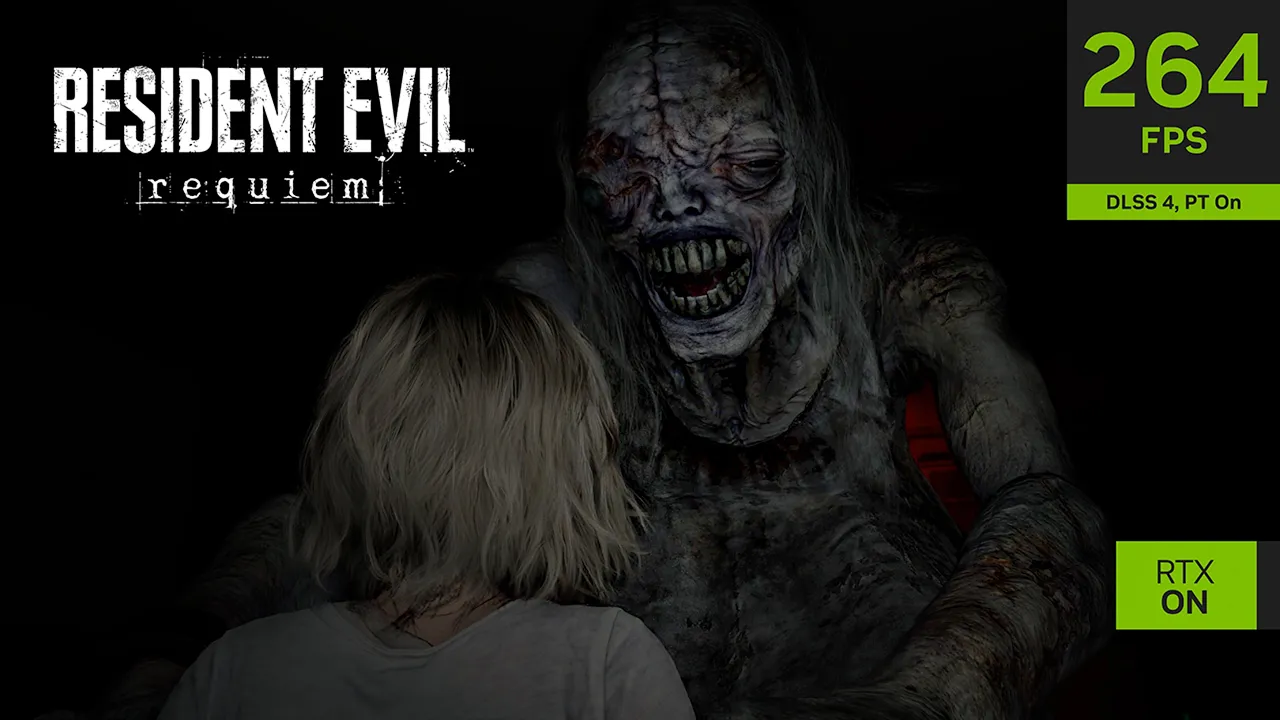
On GeForce RTX systems, gamers can activate immersive path-traced effects that are further enhanced by DLSS Ray Reconstruction. And GeForce RTX 50 Series gamers can multiply frame rates using DLSS 4 with Multi Frame Generation, enabling high-res, max setting gameplay.
In a game like Resident Evil Requiem, the expression of light and shadow is crucial, whether it’s flickering hallway lights, neon-lit streets glowing in the night, or the flame of a lighter illuminating the path ahead. With path tracing implemented, Resident Evil Requiem now renders multiple shadows from various light sources, as well as complex lighting effects like reflections and refractions through glass, with more natural lighting, enhancing immersion during gameplay.
Take a look at path-traced and DLSS 4-accelerated gameplay, below:
Ultimate Upgrade: GeForce RTX 50 Series Bundle Available Until March 16th
For a limited time, get Resident Evil Requiem with the purchase of a qualifying NVIDIA GeForce RTX 5090, 5080, 5070 Ti, 5070 desktop system or graphics card, or laptop with a GeForce RTX 5090 Laptop GPU, RTX 5080 Laptop GPU, RTX 5070 Ti Laptop GPU, RTX 5070 Laptop GPU*.

You’ll find GPUs, desktops and laptops eligible for the Resident Evil Requiem GeForce RTX 50 Series Bundle at numerous system builders and retailers worldwide. Head to the Resident Evil Requiem bundle homepage to see the complete list of participating partners in your country.
Once you’ve bought a qualifying product, you’ll receive instructions on how to redeem your bundle via the NVIDIA app, and just a few clicks later you’ll add Resident Evil Requiem to your Steam account.
No PC? No Problem! Experience Survival Horror In The Cloud With GeForce NOW
If you’re away from home and your GeForce RTX PC or laptop, or simply don’t have a GeForce RTX system, you can still play Resident Evil Requiem with path tracing, DLSS Ray Reconstruction, DLSS 4 with Multi Frame Generation, and NVIDIA Reflex by streaming it from the cloud to a number of web-connected devices with an Ultimate GeForce NOW membership.
Head over to the GeForce NOW website to learn more.
Game Ready For Marathon, Featuring DLSS Super Resolution & NVIDIA Reflex
In Bungie’s Marathon, players infil into the dark sci-fi world of Tau Ceti IV: A derelict colony rife with rival Runners, hostile UESC security forces, and unpredictable environments. As you scavenge its zones for valuables with a crew or alone, tense moments of exploration break into fast-paced PvP combat where gunplay is responsive, supplies are finite, and preparation is rewarded.
Exfil to advance your seasonal power, earn cosmetics for your achievements, and assemble stronger builds with your stolen loot. Then put your gear back on the line to seek even greater fortunes in your next run.
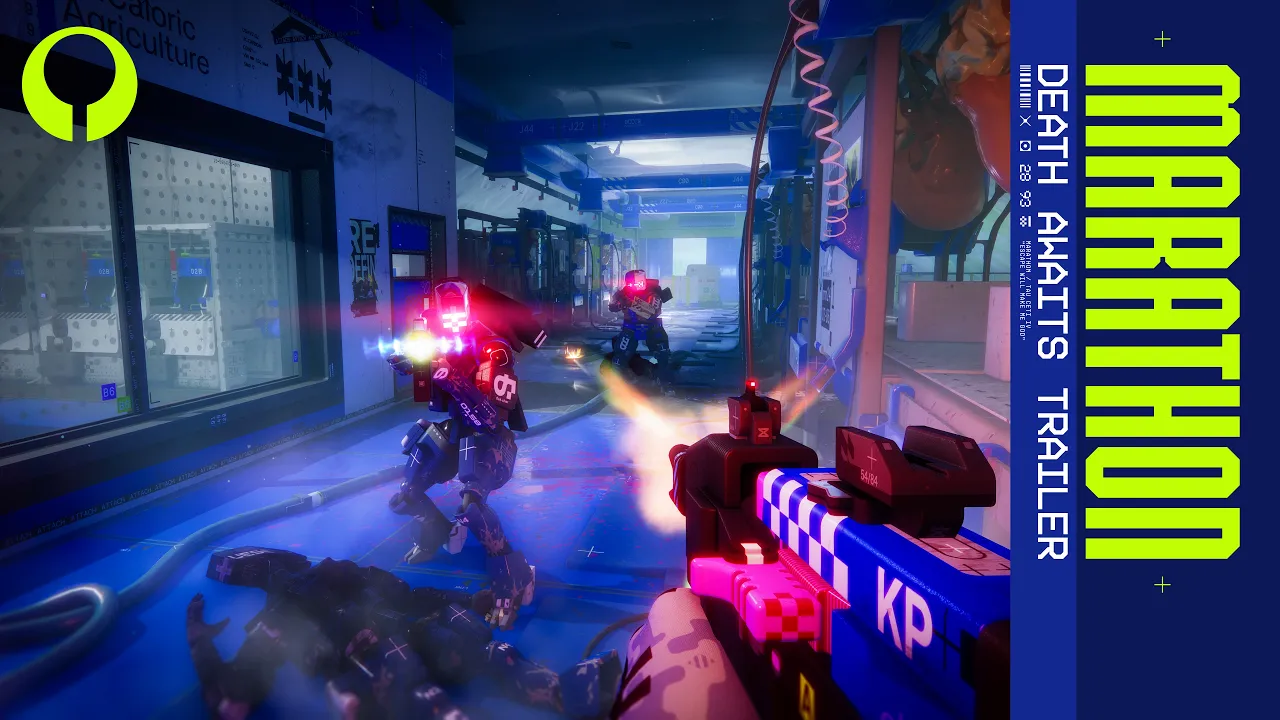
In Marathon, players with GeForce RTX GPUs can activate DLSS Super Resolution to accelerate frame rates, or can alternatively enable NVIDIA DLAA to maximize image quality. And to reduce PC latency, making gameplay even more responsive, NVIDIA Reflex is also available.
GeForce Game Ready Driver - Download Now
Learn more about GeForce Game Ready Drivers here, and download the new GeForce Game Ready 595.71 WHQL driver through the NVIDIA app, or from GeForce.com.
If you experience any technical issues with the new Game Ready drivers please post a detailed report on the GeForce.com Driver Feedback Forum, where our Customer Care team can best assist you. And if you’re looking for a full list of fixes in this driver, for previously-reported issues, head here.