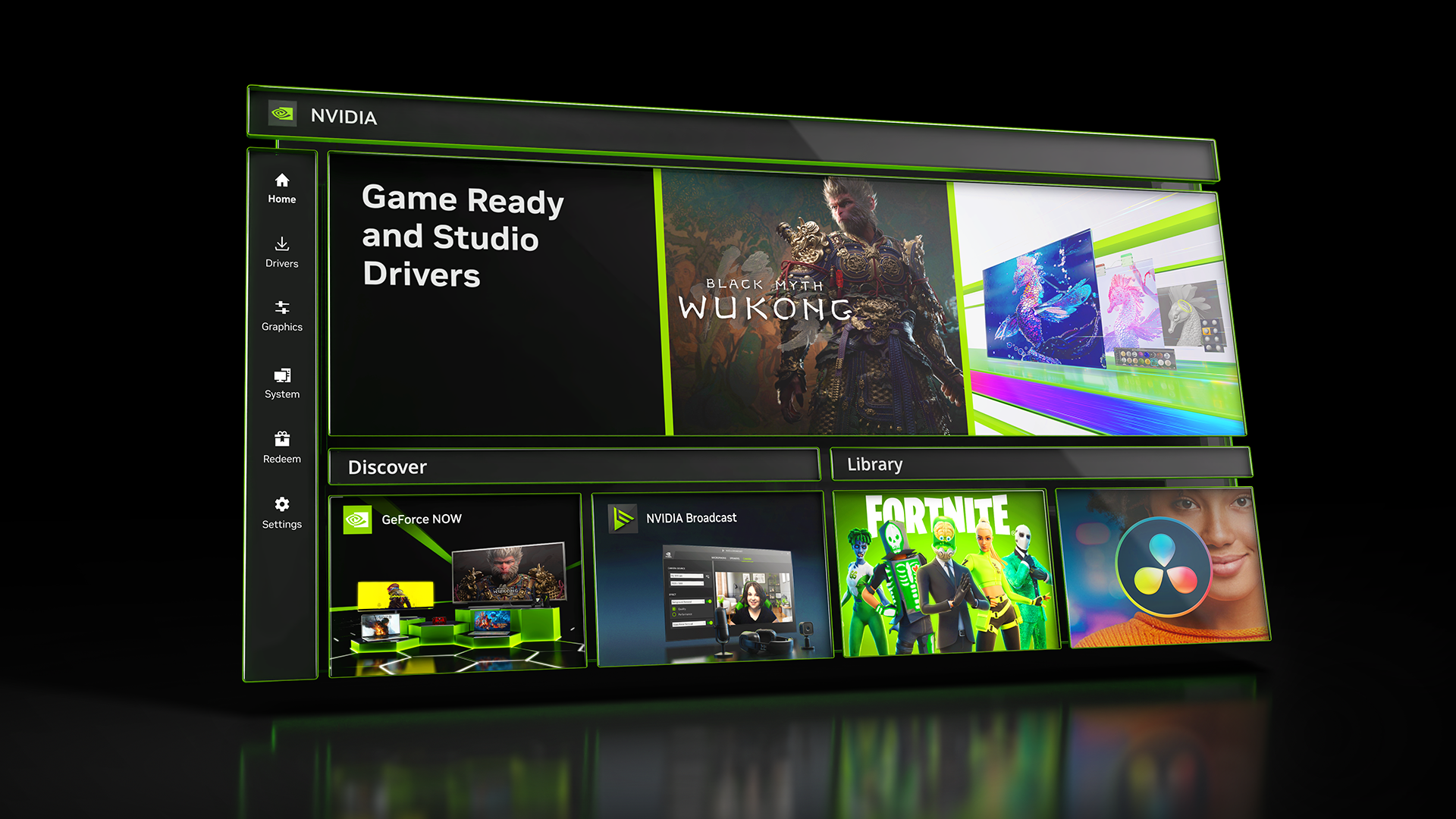
What's new in NVIDIA App 11.0.7
New Updates:
- DLSS 4.5 Dynamic Multi Frame Generation Available Now
- Update to DLSS 4.5 Dynamic Frame Generation on GeForce RTX 50 Series GPUs. Select “Dynamic” mode to intelligently adjust the number of generated frames during gameplay to a target frame rate to balance frame rate, image quality and responsiveness.
- New DLSS 4.5 Multi Frame Generation 5X and 6X modes on GeForce RTX 50 Series GPUs increase 4K frame rates in path-traced titles. Paired with NVIDIA Reflex, they generate additional frames with minimal impact to responsiveness.
- DLSS 4.5 Frame Generation model update on GeForce RTX 50 Series and GeForce RTX 40 Series GPUs enhances in-game user interfaces by incorporating additional engine data available for some games, improving visual quality and clarity of static user interface elements.
- For optimal image quality and peak performance when using ShadowPlay, the latest GeForce Game Ready Driver is required.
- Access these DLSS features under Graphics > Program Settings > Driver Settings > DLSS Override - Frame Generation mode
- Automatic Shader Compilation (Beta)
- Rebuilds DirectX 12 shaders while your system is idle, reducing the frequency of game runtime compilation after driver updates
- Control Panel Updates
- Added Custom Resolution in System > Displays > Display Properties
DLSS Override Support Added For :
- Arknights: Endfield
- Black One Blood Brothers
- Carmageddon: Rogue Shift
- CODE VEIN II
- Corsairs Legacy
- Crimson Desert
- DEATH STRANDING 2: ON THE BEACH
- Demonologist
- For Honor
- Grounded 2
- Half Sword
- High On Life 2
- John Carpenter's Toxic Commando
- LET IT DIE: INFERNO
- LORT
- Marathon
- Monster Hunter Stories 3: Twisted Reflection
- Nightmare Frontier
- Nioh 3
- NORSE: Oath of Blood
- Of Ash and Steel
- Quarantine Zone: The Last Check
- REANIMAL
- Resident Evil Requiem
- Star Trek: Voyager - Across the Unknown
- StarRupture
- Styx: Blades of Greed
- The Gold River Project
- The Legend of Heroes: Trails Beyond The Horizon
- Vampires: Bloodlord Rising
- Yakuza Kiwami 3 & Dark Ties
Optimal Settings Support Added For:
- Arknights: Endfield
- Ashes of Creation
- Highguard
- StarRupture
- The Last Caretaker
Squashed Bugs:
- Overlay
- Fixed an issue where Statistics shows N/A after a client update
- Fixed an issue where CPU stats could flickered in idle state
- Fixed an issue where microphone selections would revert to default after switching devices
- Fixed an issue that prevented the use of Numpad keys for overlay shortcuts
- Graphics
- Fixed an issue where NVIDIA Smooth Motion setting was missing in Global Settings
- Fixed an issue where NVIDIA app resolution changes were not occurring in-game
- Display
- Fixed an issue where changing display modes caused flickering
- Installation
- Fixed an intermittent issue where NVIDIA app installation did not install if PC was offline
- Removed redundant restart prompt after upgrading from GeForce Experience
- Various stability fixes to improve overall app reliability
- Project G-Assist
- Adjusted the voice prompt shortcut to prevent overlapping voice prompts while a response is still processing. Various UI improvements for G-Assist