NVIDIA Photo Mode Available Now In Tekken 7
NVIDIA Photo Mode is a revolutionary technology that hands gamers the tools to capture unique, professional-grade 2D, 360° and Virtual Reality 360° screenshots on GeForce GTX graphics cards. Over 20 games are already supported, and now Bandai Namco's Tekken 7 has joined the ever-growing list of Photo Mode-enabled games.
With Photo Mode, you can capture personally-framed freecam screenshots, adjust the field of view and rotation of the screen, add optional Instagram-style filters, and save to shareable filetypes with a single click. Simply hit Alt+F2 during an offline fight and you’ll be able to capture incredible screenshots that were previously impossible to frame and snap.
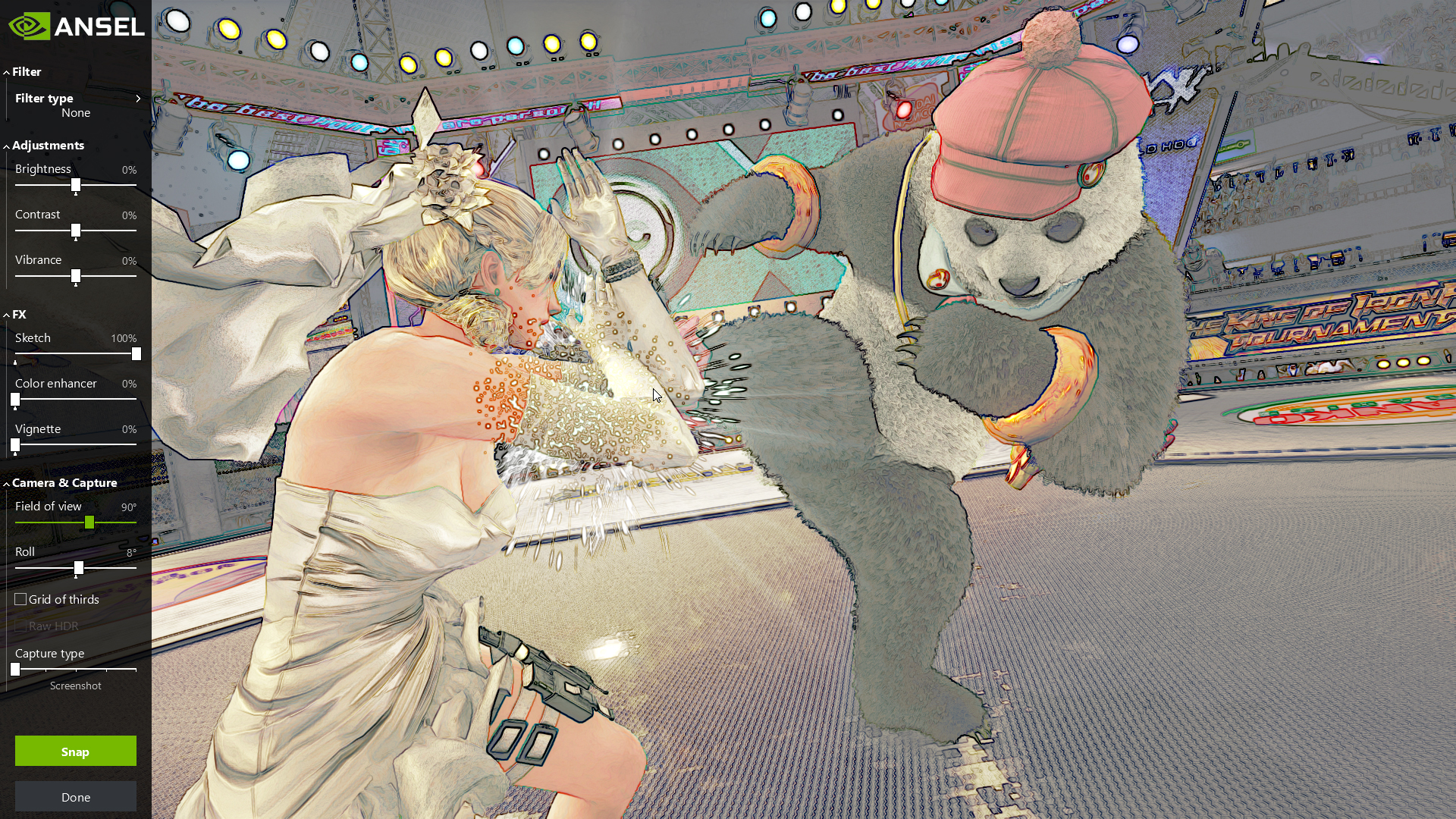
To capture your own unique Tekken 7 screenshots using NVIDIA Photo Mode:
- Download and install our latest Game Ready driver from GeForce Experience or GeForce.com
- Download the latest Tekken 7 game update from Steam
- Play any Tekken 7 offline, single-player fight mode, and press pause on your controller or fight stick at a cool moment. Then press Alt+F2 to load Photo Mode
- Reposition the camera using WASD, Z, X, and left mouse (hold shift to accelerate movement), or use a controller (D-Pad navigates the Photo Mode UI, ‘A’ on Xbox controllers takes screenshots), change Photo Mode options as desired, and click “Snap”
- Once screenshots are saved, press Alt+Z to open GeForce Experience Share and upload via the Gallery to Facebook, Google, or Imgur. Alternatively, upload manually to any service or website via the “Videos” folder in Windows
Using the many options enabled by Photo Mode you’ll be able to adjust framing for the perfect view, apply filters or define your own custom filter, and capture 2D, Stereo, 360° Virtual Reality, 360° Stereo, and super resolution screenshots. Take a look below for further info.
Free Camera
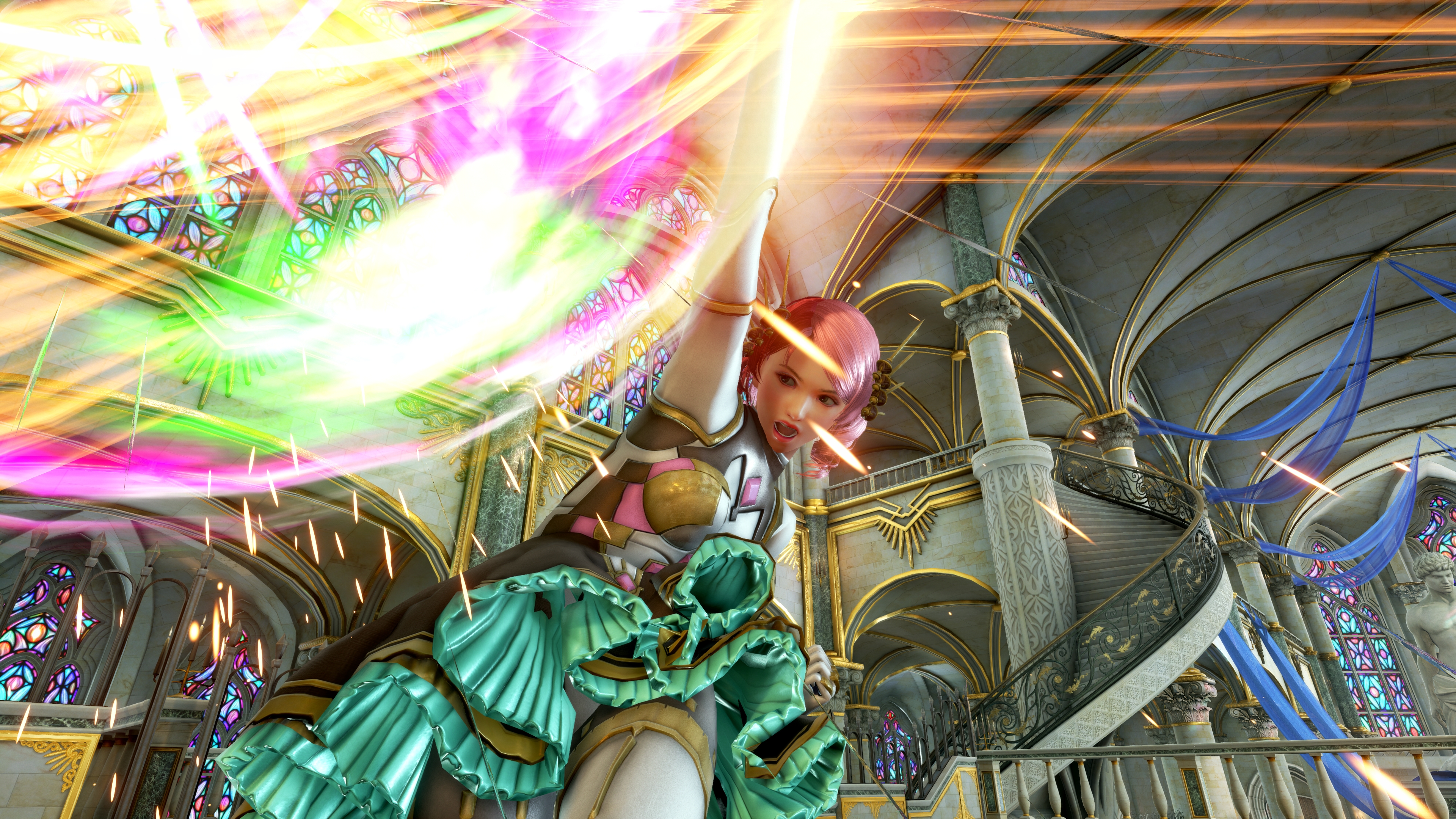
Freeze time by pressing Alt+F2, then roll and zoom the camera, or reposition it in the sky, on the ground, next to a character, or anywhere you want to create the perfect Tekken 7 photograph.
Super Resolution (Beta)
Using the power of your GeForce GTX GPU we can capture Photo Mode screenshots at “super resolutions”, such as 63,360 x 35,640, 33 times higher than the most commonly used gaming resolution, 1920 x 1080. Screenshots captured at this resolution are incredibly detailed, with even the smallest objects and game details retaining definition when you zoom in, as shown below.
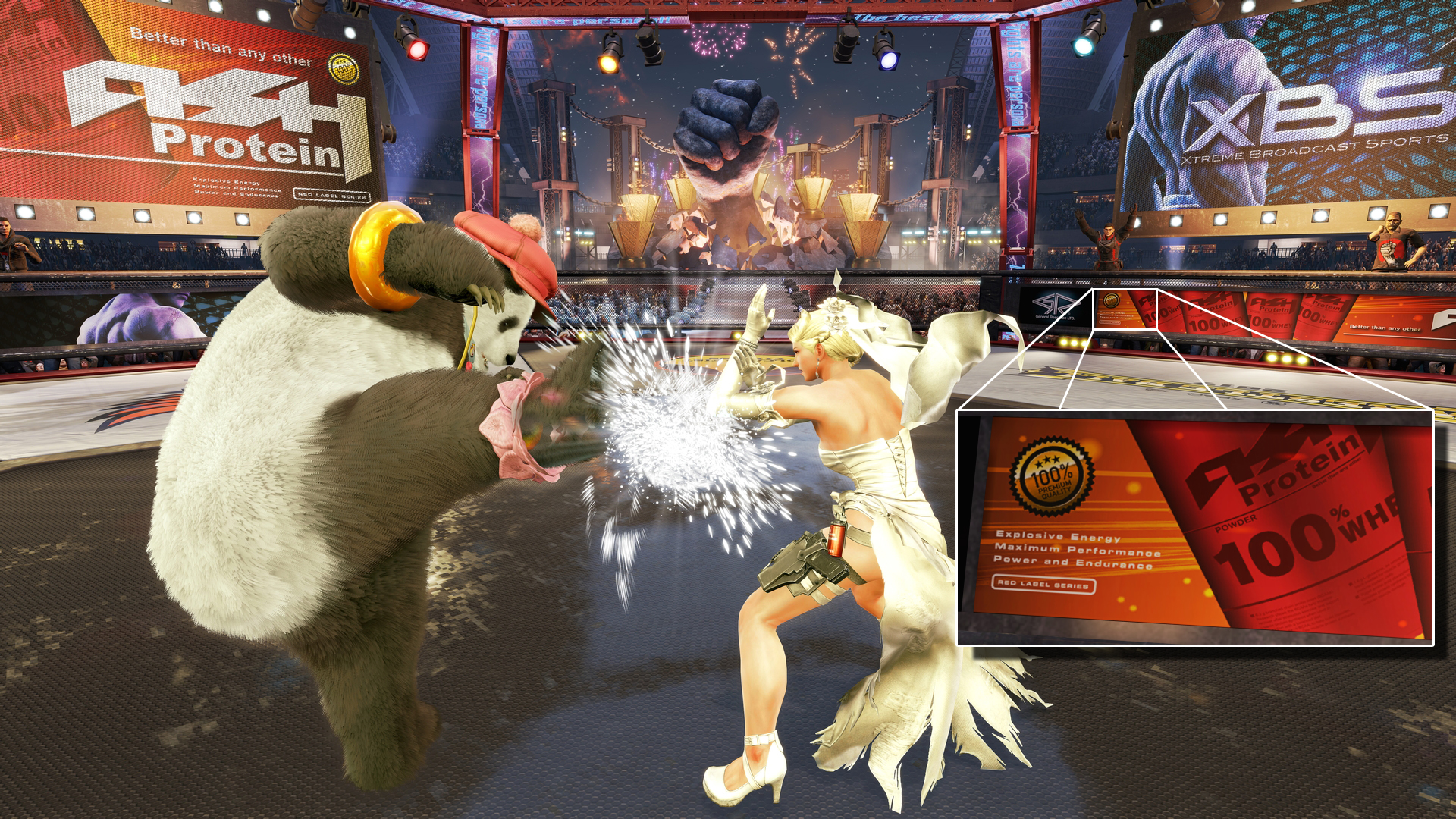
Tiny text, background NPCs and the smallest details are visible when zooming in, and foreground characters and objects are clearer and sharper than you've ever seen them before. For other examples of Super Resolution shots, check out our nifty Photo Mode Super Resolution Gallery
Use Super Resolution to capture incredible screenshots that can be downsampled to create amazing desktop wallpapers, to make screenshots large enough for physical printing, or to make a full-size crop without any loss of image quality.
To capture Super Resolution shots in Tekken 7, select “Super Resolution” under “Capture Type”, pick a resolution to capture at (the filesize indicates the amount of temporary space required to capture and assemble the screenshot), and click “Snap”. Please note, to view and edit larger Super Resolution screenshots you’ll need to use Irfanview, Windows Photo Viewer, or other 64-bit image applications.
Post-Process Filters
Tweak the look, feel and mood of your screenshots before capturing using included filters, or manually adjust brightness, contrast and other options yourself, as demonstrated below.

360° Captures for Desktops, Google Cardboard and Virtual Reality
Capture 360° panoramic screenshots in mono or stereo. View these images in Google Cardboard, on your PC, or in a VR headset.
For Android and Cardboard users, we’ve released the NVIDIA VR Viewer, which is bundled with Photo Mode 360° screenshots that you can view today. Download the app to check it out and to view your own screenshots. Easily upload your pictures through Google to view on your Android phone.
Click here to load an interactive 360° Tekken 7 NVIDIA Photo Mode PC screenshot
Click here to load an interactive 360° Tekken 7 NVIDIA Photo Mode PC screenshot
For PC Virtual Reality users, the NVIDIA Photo Mode technology page walks you through the process of viewing Photo Mode VR screenshots in your Virtual Reality headset.
Capture & Share Unique Tekken 7 Shots Using Your GeForce GTX GPU
NVIDIA GeForce GTX GPUs dating back to the 600 Series support NVIDIA Photo Mode, so make sure you download the latest Game Ready driver and Tekken 7 game update today to start capturing your own, unique, professional-grade screenshots. And once you have something you’re proud of, send it to us via Facebook, Instagram, or Twitter for a chance to have your image shared with our millions of fans.