GeForce Experience Adds New Creative Tools With NVIDIA Freestyle and Photo Mode RTX, Bringing Photo Mode Support To Over 200 Games
GeForce Experience offers gamers easy access to driver updates, recommended game settings, gameplay recording and streaming, screenshot and in-game photo captures, and much more.
We are excited to share that we are officially releasing Photo Mode RTX and Freestyle in version 3.18, which is available now as an in-app update.
NVIDIA Freestyle – Change The Look and Feel of Games In Real-Time
NVIDIA Freestyle gives you the power to customize the appearance of a game in real-time through the application of post-processing filters. Add sharpening, adjust color and contrast, or make your own filter by stacking and tweaking any of the 17 available filters.
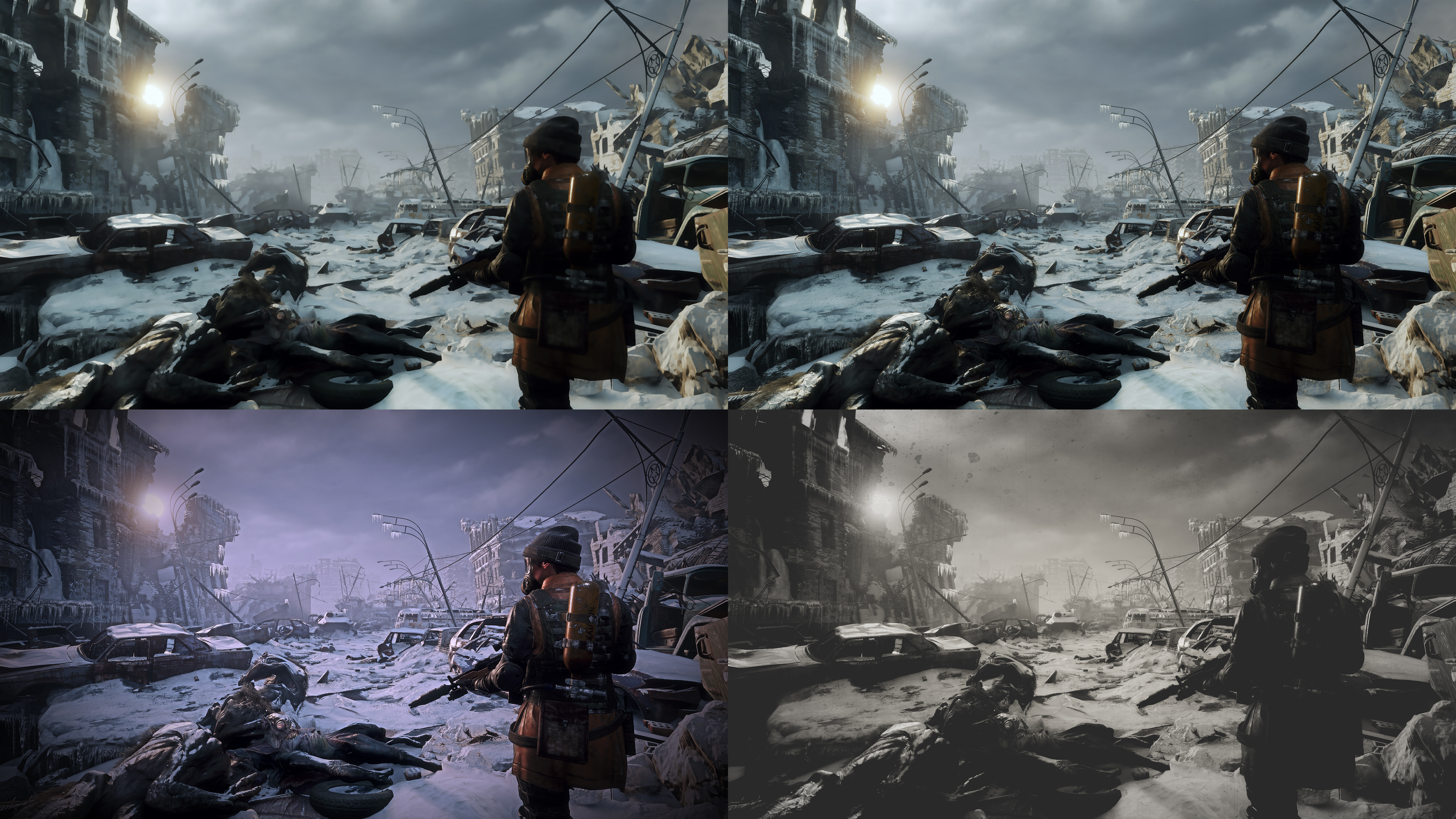
To apply Freestyle filters in any of the 200+ games currently supported, simply press Alt+F3 during gameplay.
Photo Mode RTX – Even More Tools and Features For In-Game Photos
Photo Mode RTX expands select Photo Mode Photo Mode features to hundreds of games, allowing you to add stackable filters, save in HDR format, and capture photos at up to 8K resolution using AI Up-Res on GeForce RTX graphics cards.
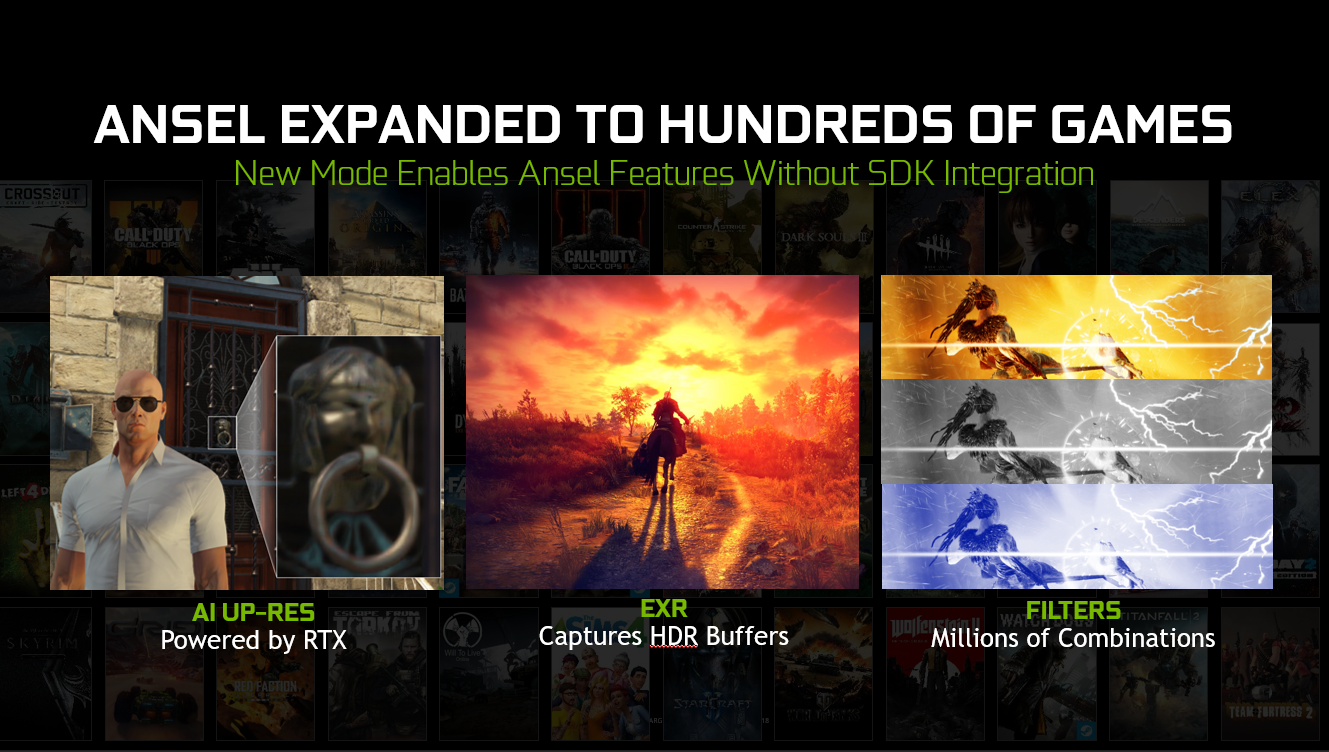
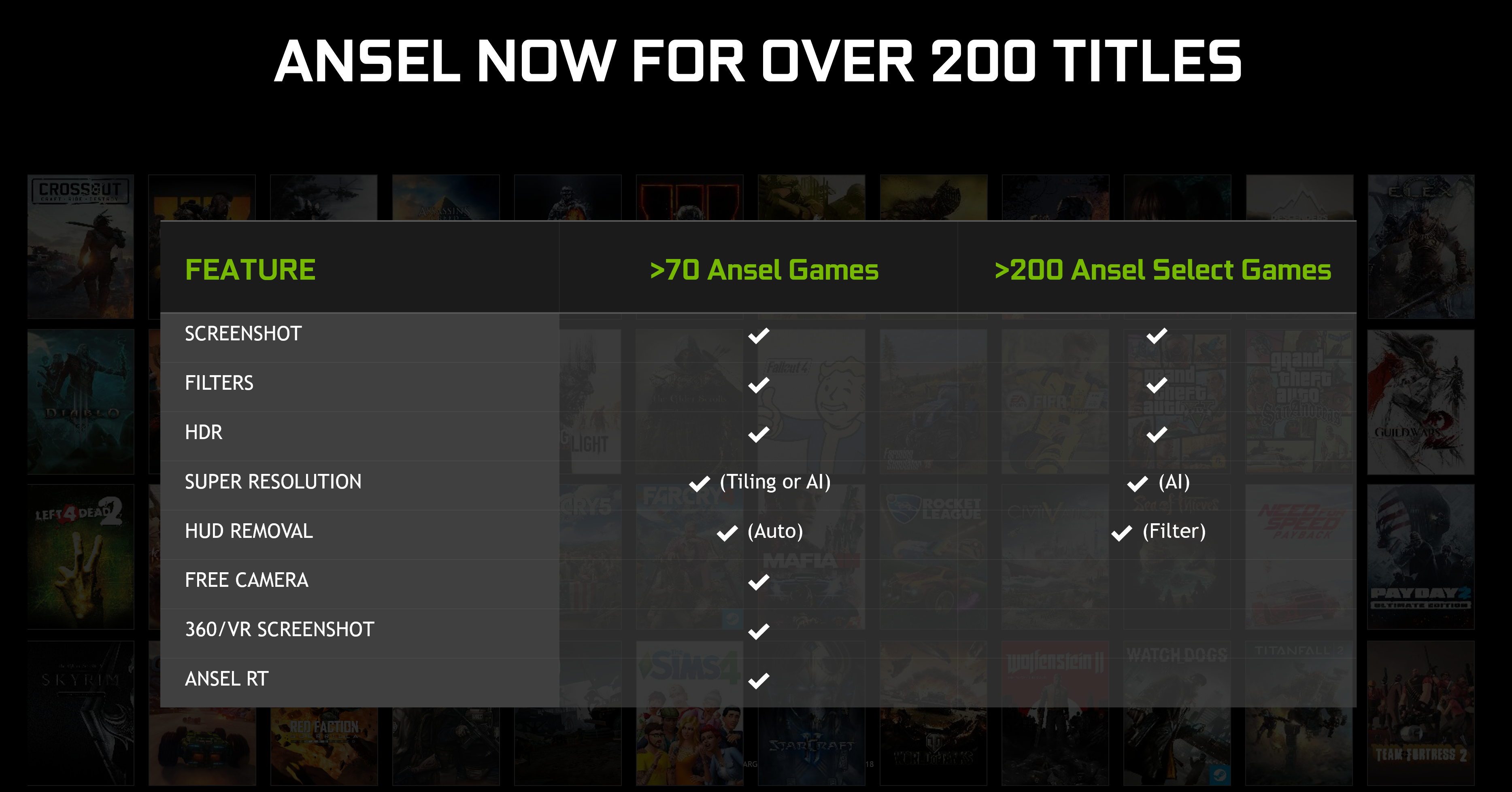
To use Photo Mode RTX features, load a game from our Supported Games page, and press Alt+F2 during gameplay to start Photo Mode Photo mode. Please note the Photo Mode feature set varies by game and whether the game has integrated the Photo Mode SDK:
In a supported title, the Photo Mode user interface will load and you’ll see options like these, giving you ways to enhance your gameplay and snap screenshots:
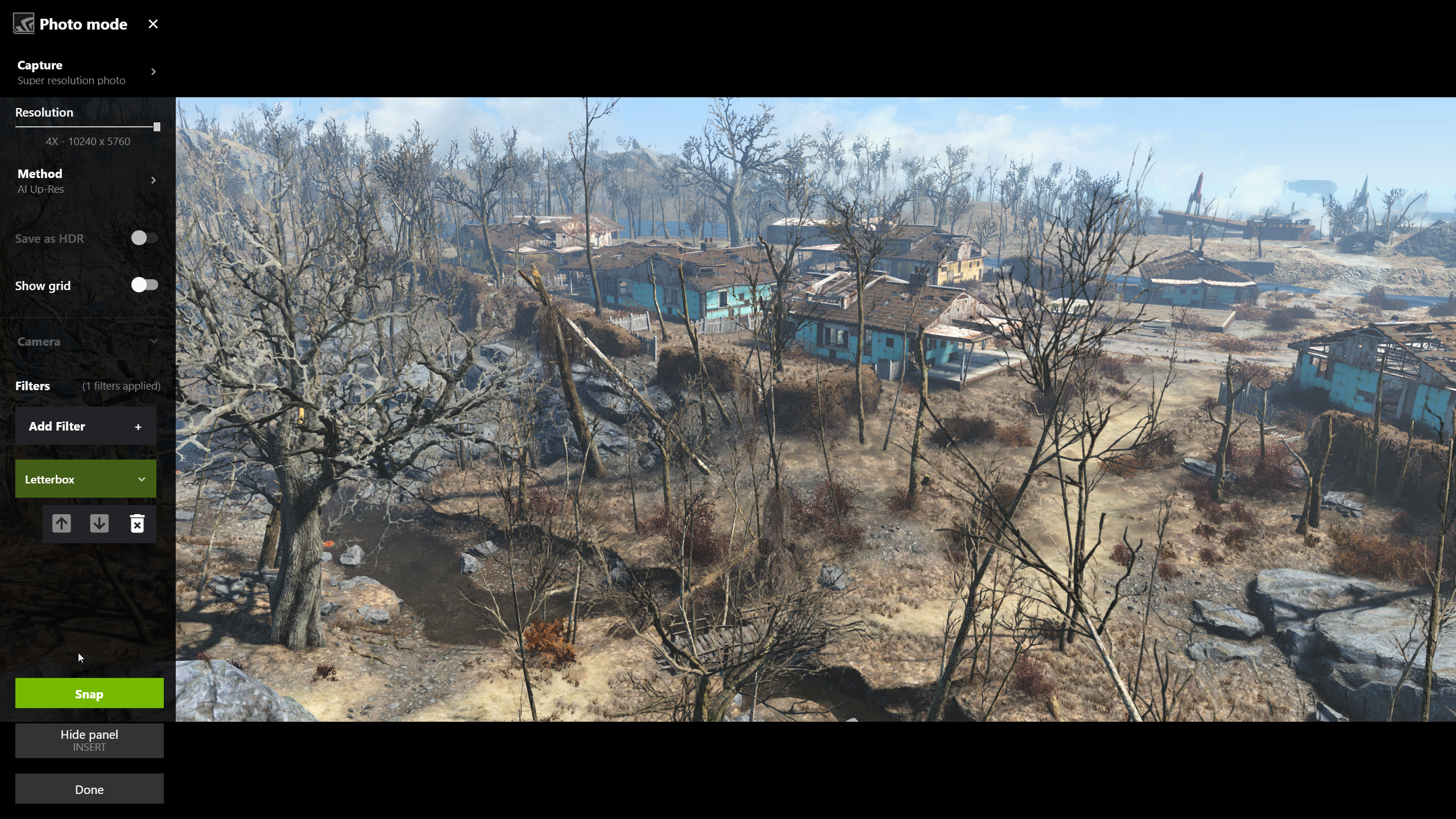
With Photo Mode Up-Res, we use Tensor Cores on GeForce RTX GPUs to render supersampled 8K screenshots super quick, giving you more detailed, less aliased in-game photos to upload to ShotWithGeForce, or use as a desktop wallpaper.
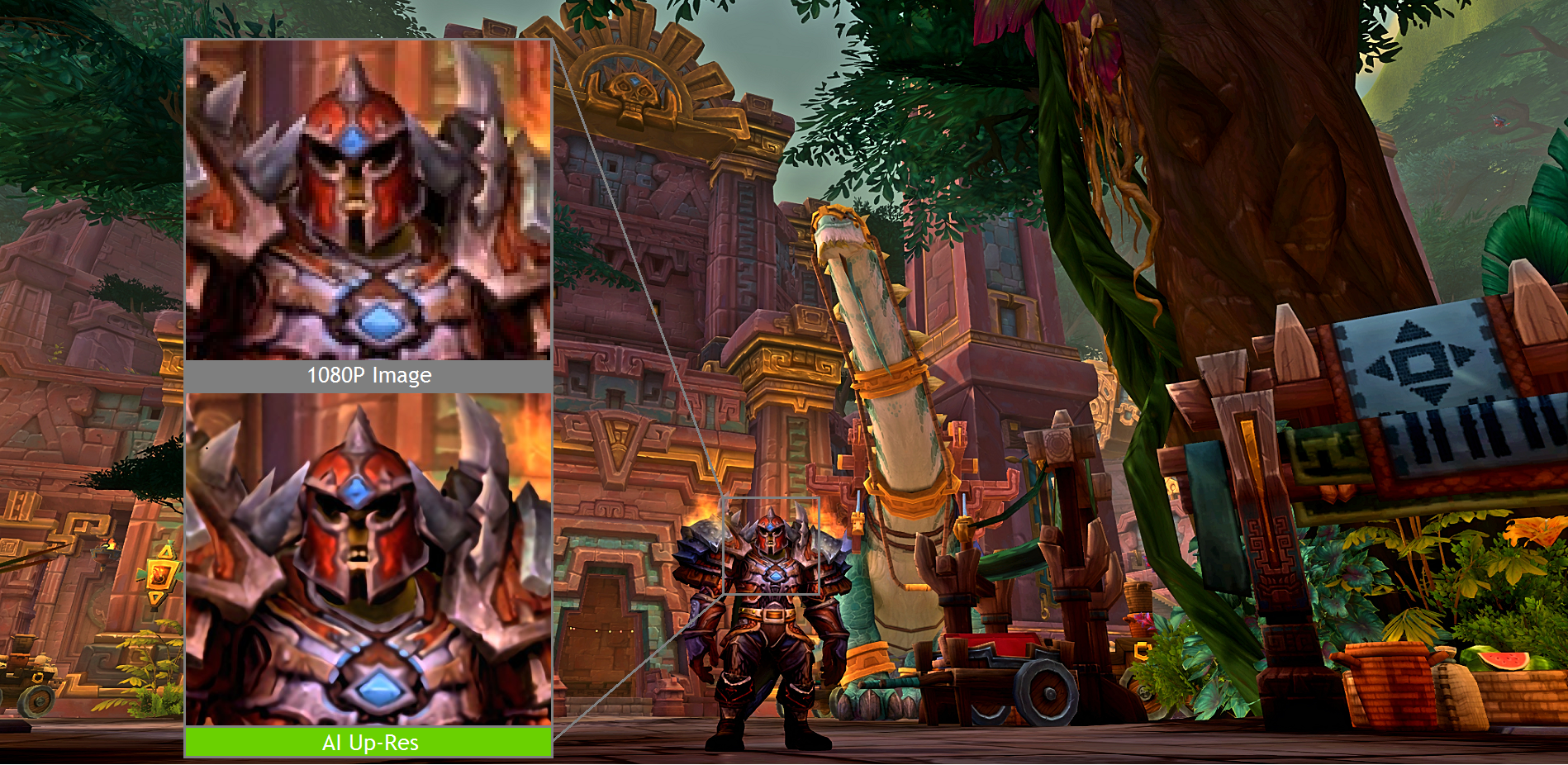
To use AI Up-Res, press Alt+F2 to open the Photo Mode interface, select the “Super Resolution photo” Capture mode, and under “Method” choose “AI Up-Res”. Then, adjust any other available options and click “Snap” to save your picture to the Alt+Z GeForce Experience Gallery.
More Games Add Photo Mode and Highlights Each Month
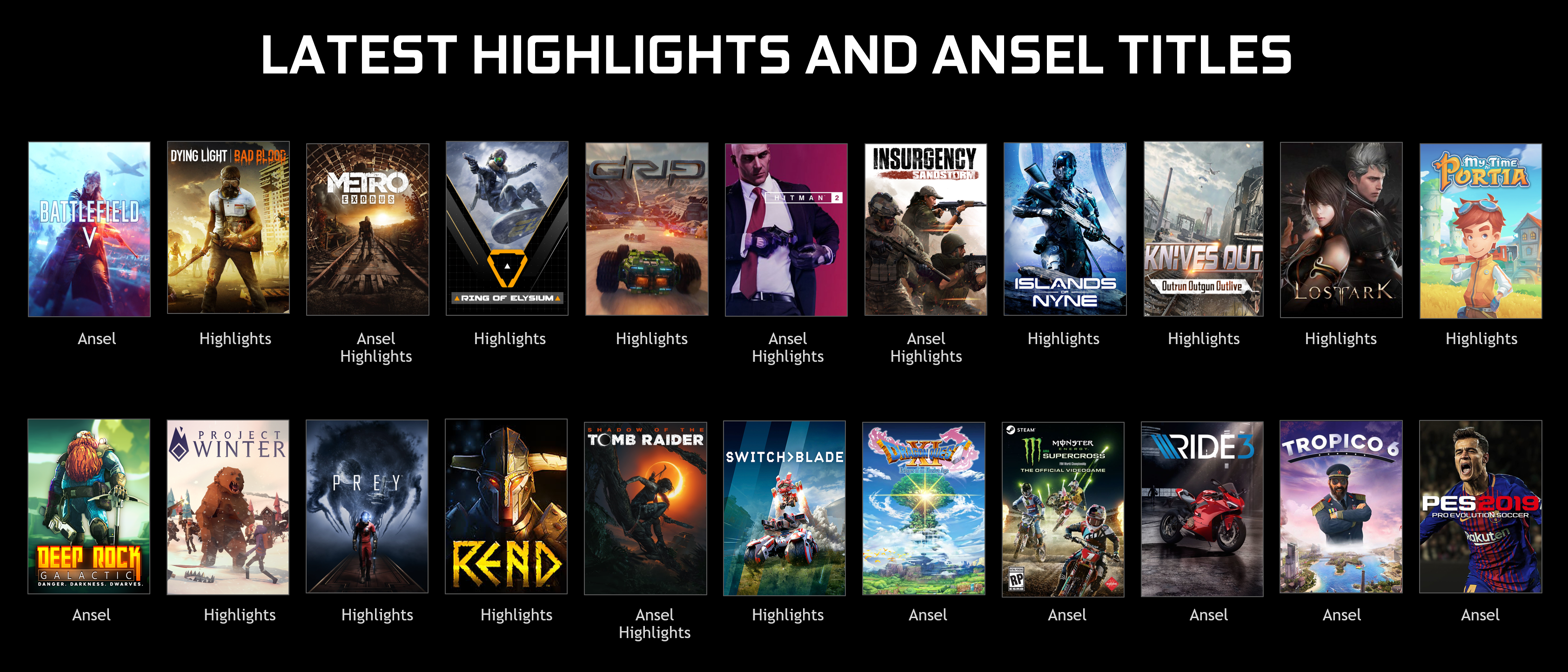
Developers around the world continue to add NVIDIA Photo Mode and NVIDIA Highlights to their games, giving players the tools to capture stunning in-game photos, and their best gameplay moments.
This includes big hitters like Hitman 2, BattlefieldTM V, Dragon Quest XI, Metro Exodus and Shadow of the Tomb Raider, and indie favorites such as Deep Rock Galactic, Insurgency Sandstorm, and My Time At Portia. In total, 22 games have added support for Photo Mode, Highlights, or both, over the past 6 months.
Update Now For The New Goodness
To get your hands on all these creative tools, and sweet new features, update now to GeForce Experience version 3.18. The easiest way is by updating in-app, but you can also download straight from our website.